If you scroll Instagram even a little, you have probably seen those stunning lehenga photos inspired by Aishwarya Rai. Soft golden light, rich fabrics, royal colors, and a cinematic vibe that instantly stops the thumb.
The good news is you do not need a designer lehenga or a luxury photoshoot anymore. With the right Aishwarya Rai lehenga AI prompts, you can create ultra-realistic, viral-style images using tools like Gemini AI while keeping your own face fully intact.
In this guide, I will walk you through everything. From reference photos and top aishwarya rai viral lehenga photo prompt to exact usage steps, FAQs, and practical tips based on real editing experience.

Why Aishwarya Rai Viral Lehenga Photo Go Viral
There is a reason this specific style works so well.
- Aishwarya Rai represents timeless Indian beauty
- Lehengas have rich textures that AI handles beautifully
- Golden-hour lighting adds emotion and realism
- The look fits weddings, reels, thumbnails, and DP photos
From an engagement point of view, these images feel aspirational but still personal. That combination performs extremely well.
Aishwarya Rai AI Dream Lehenga Photo Editing
AI dream lehenga editing means one simple thing. Your face, pose, body, and background stay the same, while only the outfit changes to a celebrity-inspired lehenga.
Good AI edits focus on:
- Natural fabric flow
- Correct shadows and folds
- Matching lighting with the original photo
- Zero face distortion
If the face changes even slightly, the edit loses trust instantly.
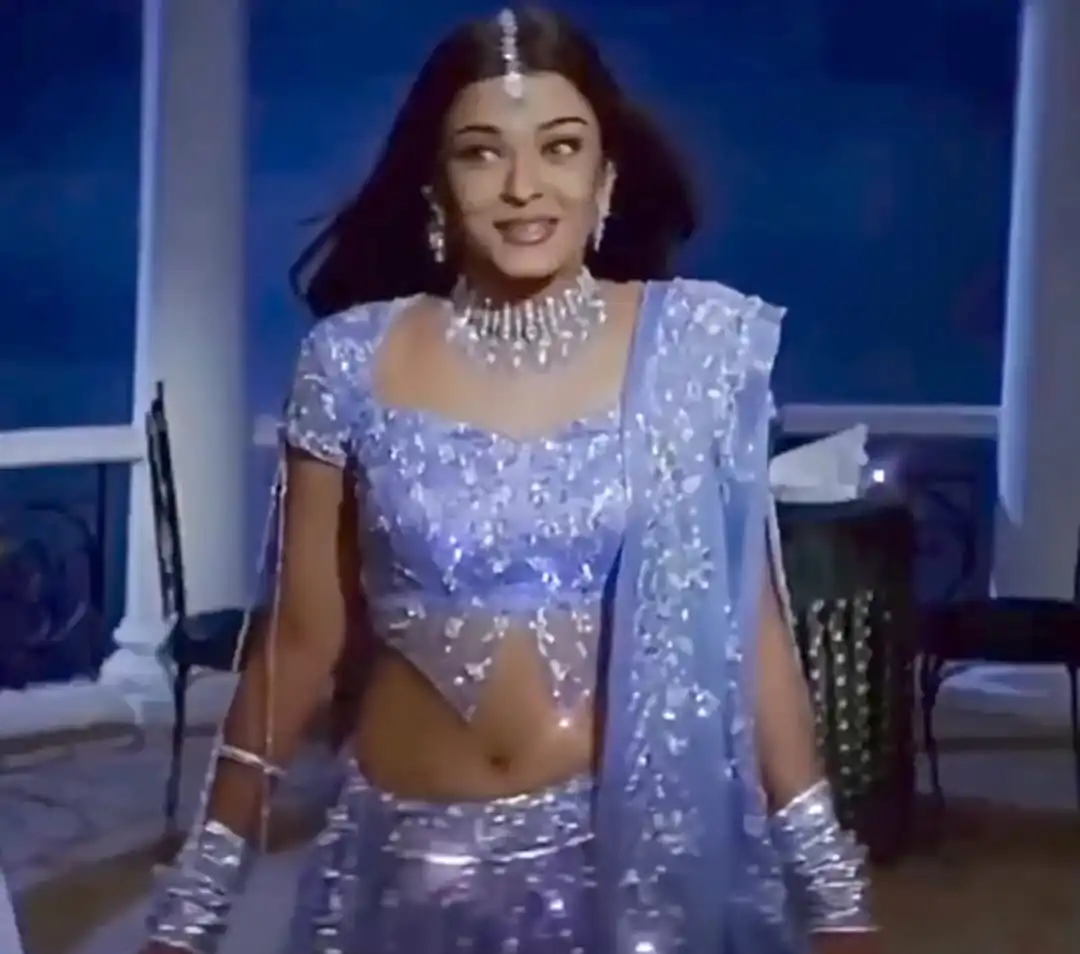
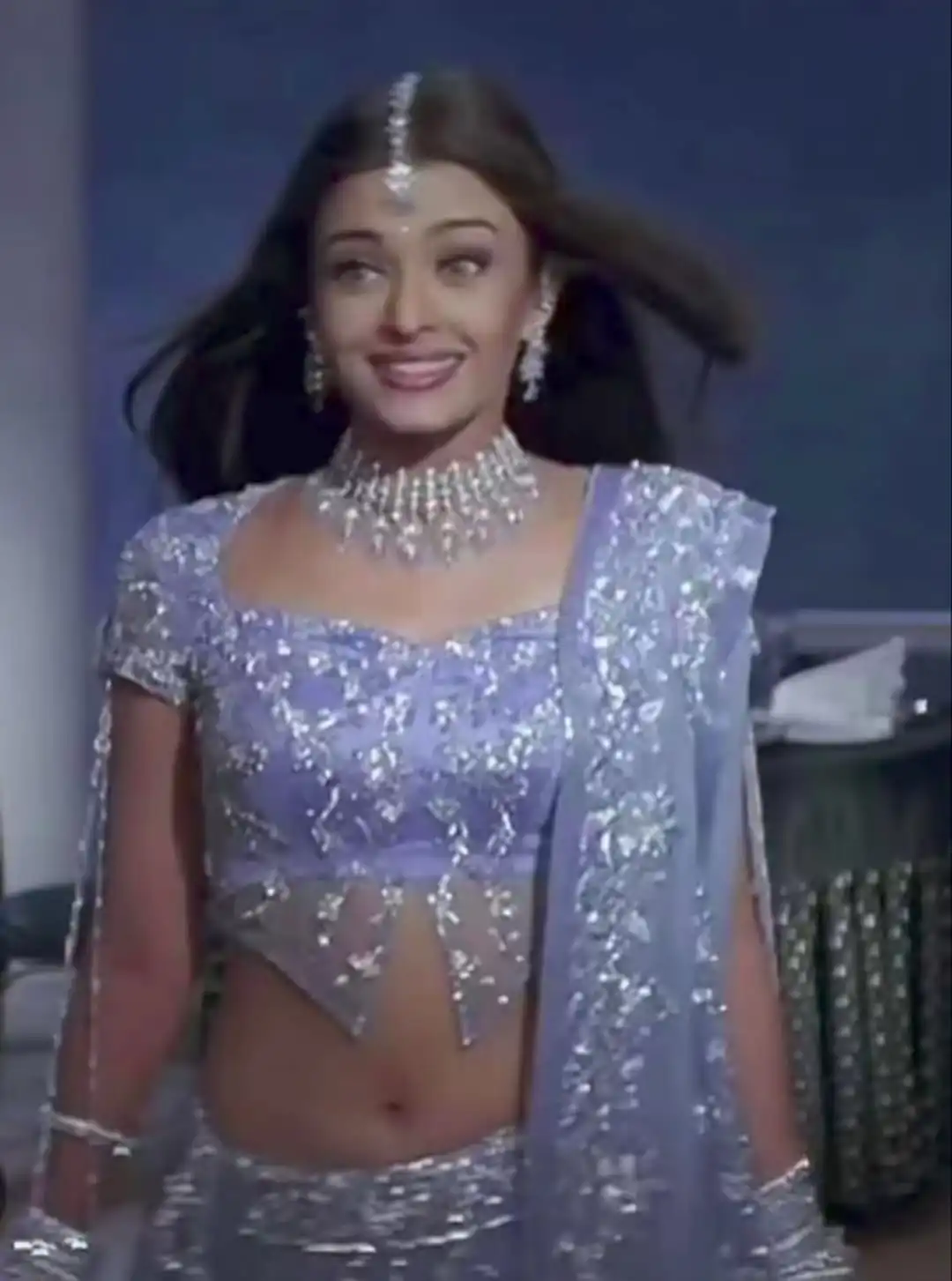
Download Aishwarya Rai Lehenga Reference Photos
Before jumping into prompts, reference images matter a lot. Download Reference Image.
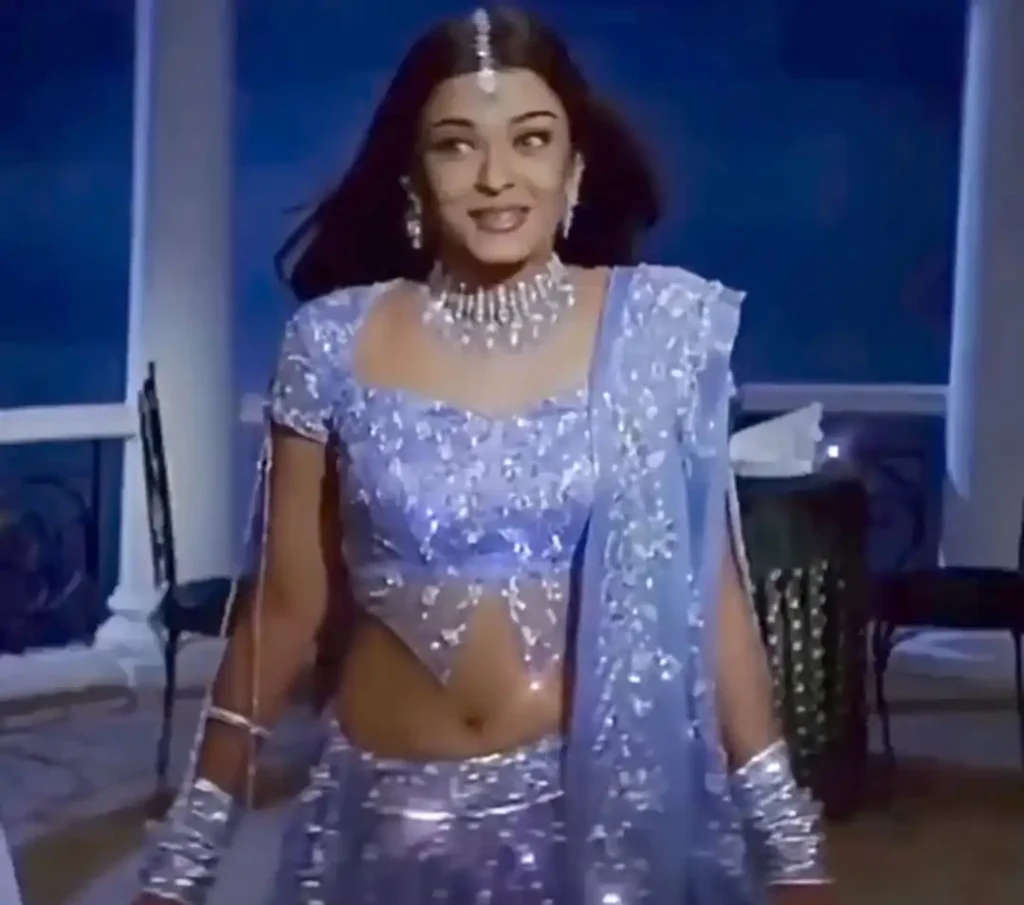
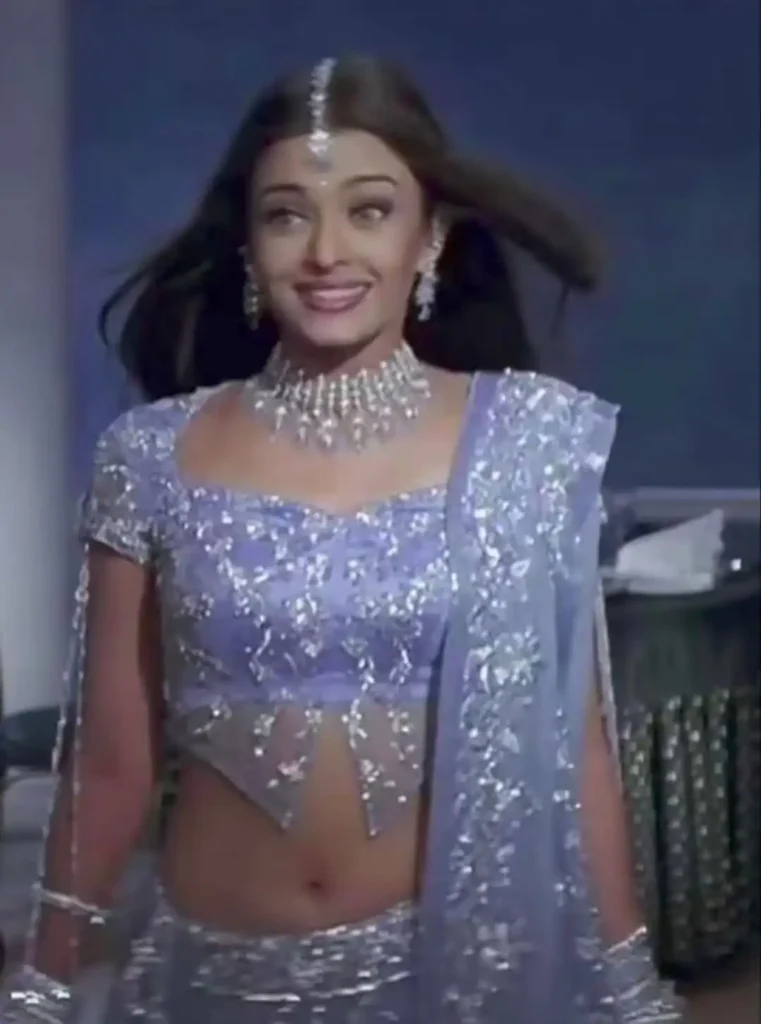
Top Instagram Aishwarya Rai Lehenga Prompts (Tested & Reliable)
You can copy-paste these aishwarya rai purple lehenga prompt directly. Each one serves a slightly different aishwarya rai viral lehenga photo purpose.
1. Strict Face Preservation Lehenga Prompt
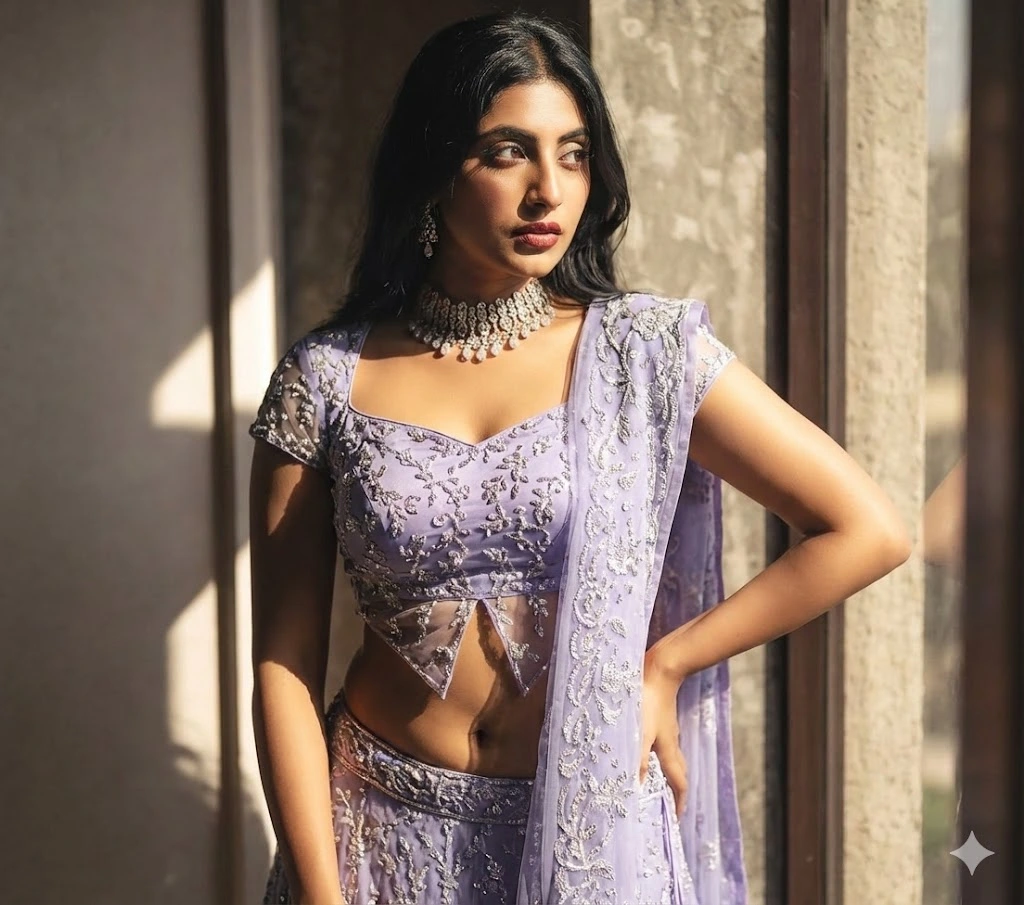
Prompt:
Using my uploaded face as a strict reference, create a high quality image. Change the entire outfit in the first photo to match the outfit in the second photo. Don’t change the, face keep it as it is.
2. Golden Hour Realistic Lehenga Prompt
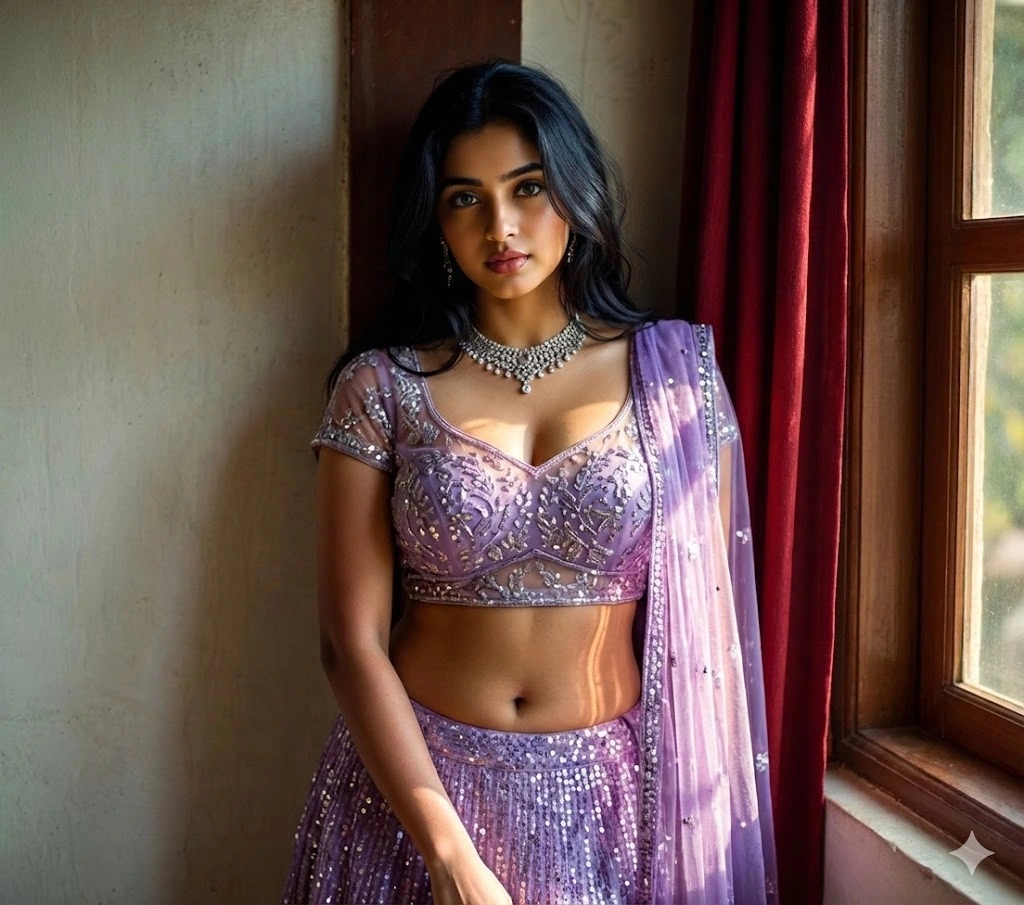
Prompt:
“Change the entire outfit in the first photo to match the outfit in the second photo. It should look realistic with golden hour lighting. do not change anything else”
3. Purple Lehenga Full Body Prompt
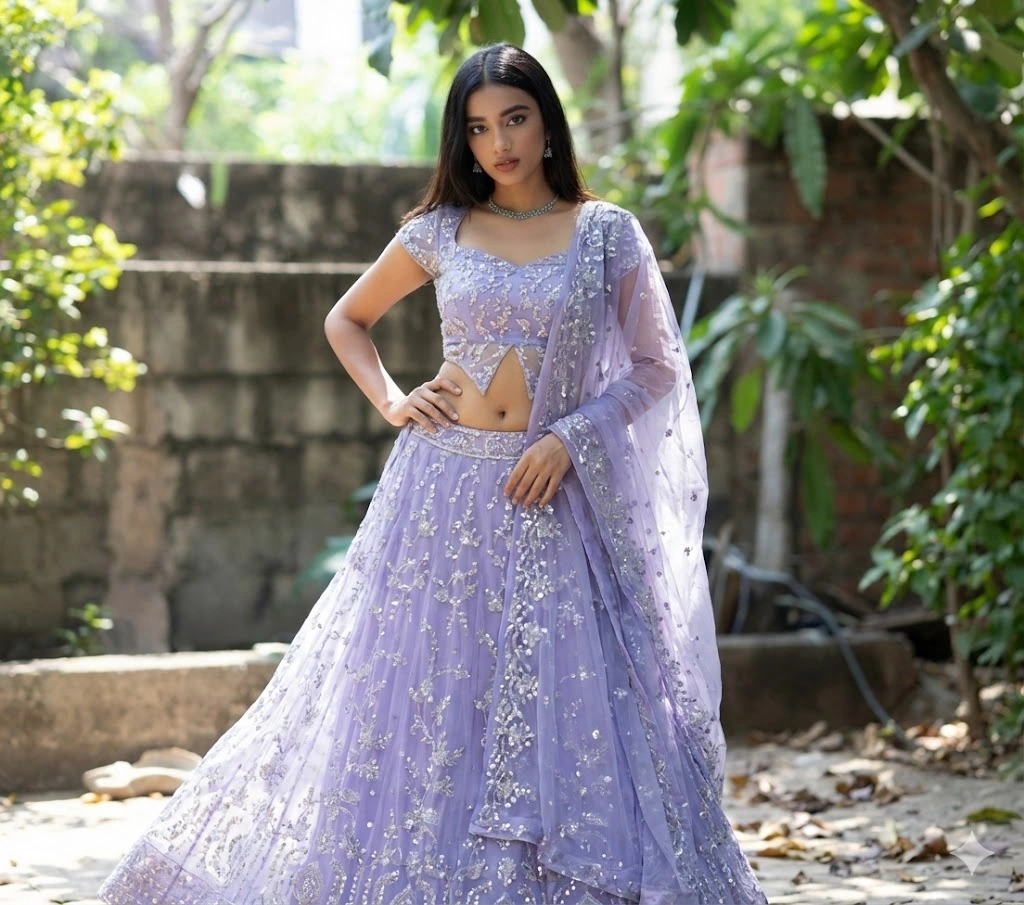
Prompt:
Put this dress on me, first picture is mine don’t change my facial features and make me wear this purple lehenga with full body.
4. Reverse Outfit Transfer Prompt
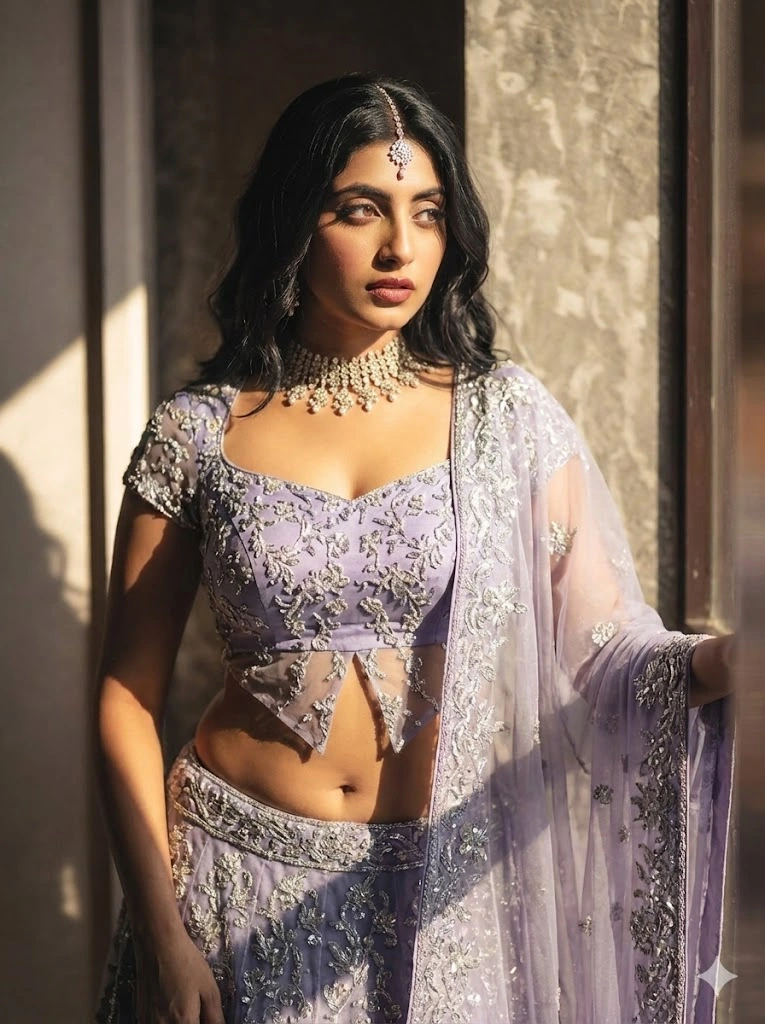
Prompt:
Change the entire outfit in the second photo to match the outfit in the first photo. It should look realistic with golden hour lighting. do not change anything else”
5. Outfit + Pose Lock Prompt
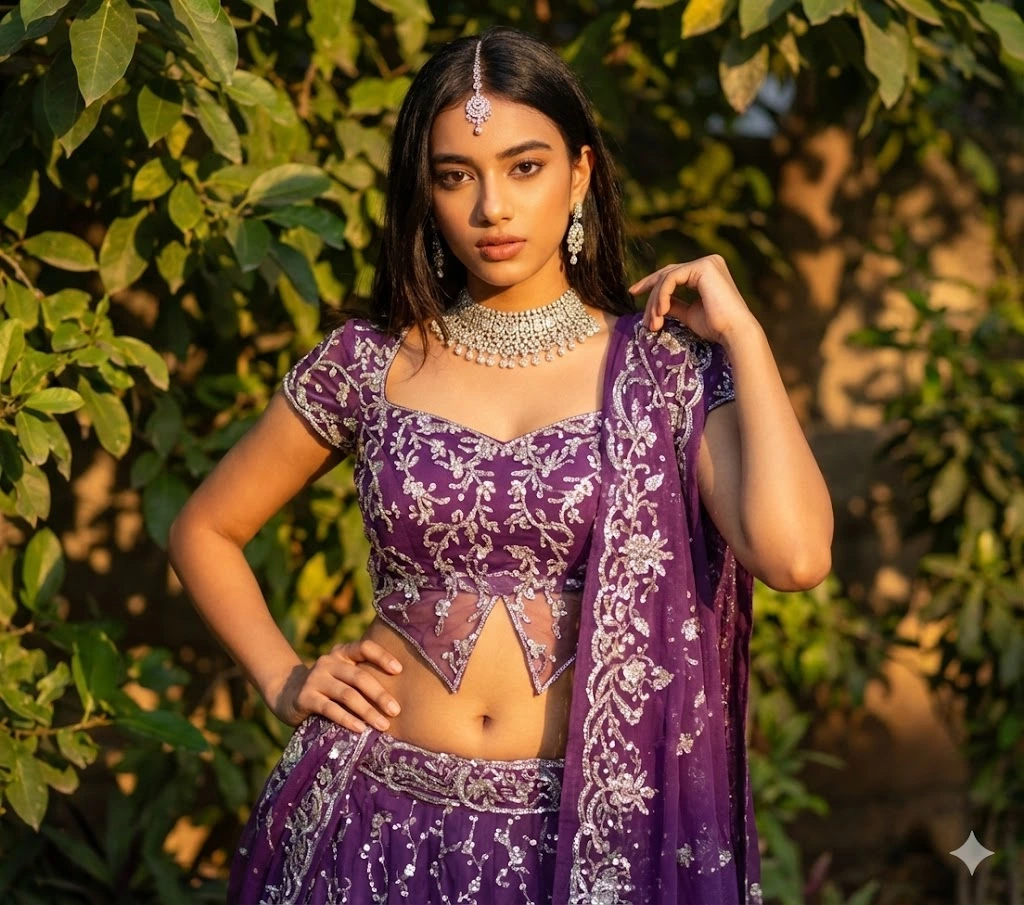
Prompt:
“Change the entire outfit in the first photo to match the outfit in the second photo. It should look realistic with golden hour lighting. do not change anything else and pose”
6. Ultra-Realistic Cinematic Lehenga Prompt
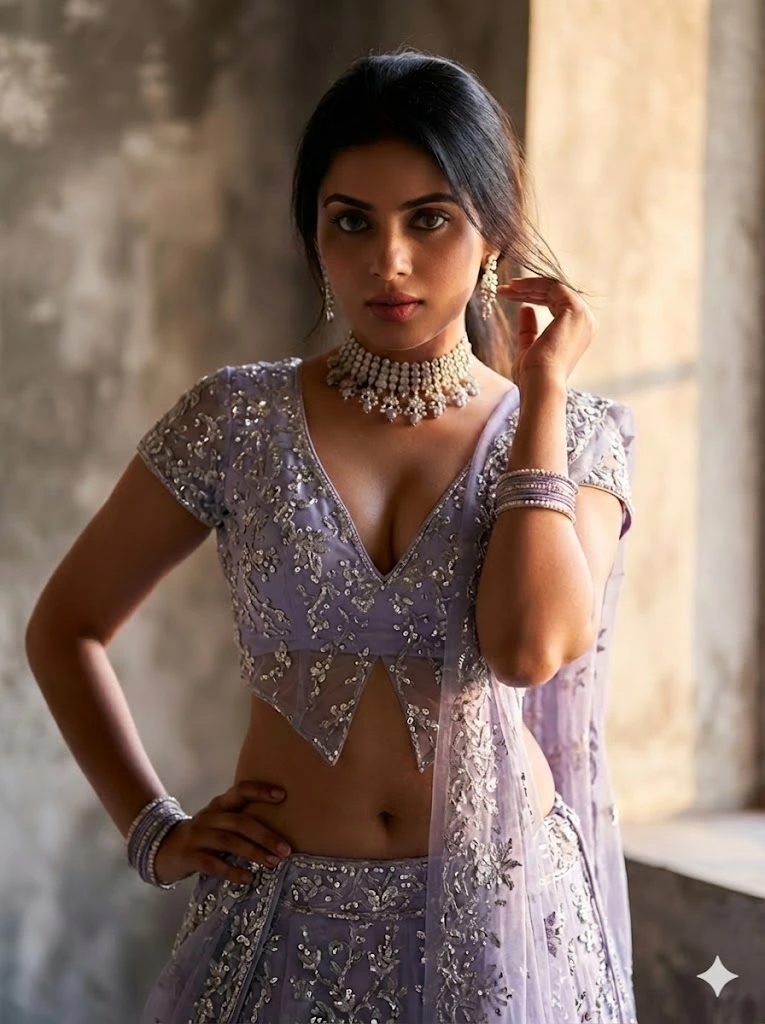
Prompt:
Change the entire outfit in the first photo to match the outfit in the second photo. It should look ultra- realistic with golden hour cinematic lighting. Do not change anything else. Preserve the original face, skin texture, body shape, pose, background, and overall image quality. Fabric should wrap naturally with correc shadows, folds, and reflections. Keep everything else exactly the same.
How to Use Aishwarya Rai Viral Lehenga Prompt in Gemini AI
This is the simplest workflow that actually works.
- Open Gemini AI and choose image editing or image generation mode.
- Upload two images: Image one: Your original photo and Image two: Aishwarya Rai lehenga reference photo
- Paste one of the prompts above. For best results, start with the ultra-realistic prompt.
- Generate the image.
- Download and do minimal color correction if required.
Common Mistakes That Ruin Lehenga AI Edits
From real testing, these are the biggest issues:
- Using low-quality reference photos
- Forgetting to lock the face and pose
- Asking for too many changes in one prompt
- Over-editing with filters afterward
Simple ai image with aishwarya rai lehenga full photo prompts with clear instructions always win.
FAQs: aishwarya rai blue lehenga prompt
Can I use Aishwarya Rai lehenga AI photos on Instagram?
Yes. Just do not claim to be her or mislead users. Use it as a style inspiration.
Will Gemini AI change my face?
Not if you clearly mention face preservation and strict reference in the viral aishwarya lehenga photo prompt.
Which lehenga color performs best?
viral lehenga aishwarya rai: Purple, royal blue, and ivory bridal lehengas currently get the highest engagement.
Can I use these images on my website?
Yes. AI-generated visuals are allowed, but transparency is recommended if required.
Why does fabric sometimes look fake?
Poor reference images or missing lighting instructions usually cause this.
Conclusion
The Aishwarya Rai lehenga AI trend is not just hype. When done carefully, it creates elegant, premium-looking images that feel personal and aspirational at the same time.
The real secret is not the tool. It is the gemini photo editing prompt clarity, the quality of reference images, and the patience to regenerate until it feels natural.
If you use the aishwarya viral lehenga prompts and steps shared here, you are already ahead of most creators. Try one style today, experiment slowly, and let your creativity lead the rest.
If you want, I can also help you create high-CTR featured image aishwarya rai lehenga prompts, Instagram captions, or reel hooks for this trend.
Sushil Kumar is a results-focused digital marketer specializing in SEO, content planning, and AI-powered workflows. His platform offers easy-to-use AI prompts for creating professional photos.