WhatsApp has become the fastest way customers expect businesses to respond. Email feels slow. Phone calls feel intrusive. That’s why more brands are moving toward WhatsApp-based customer support. But managing WhatsApp conversations at scale isn’t easy unless you use the right ai tool.
That’s where Freshchat WhatsApp comes in.
In this guide, I’ll show you how to use Freshchat WhatsApp from scratch. No technical jargon. No confusing steps. Just a clear explanation of how Freshchat works with WhatsApp, how to set it up, how pricing works and what is freshchat whatsapp pricing, and how beginners can use it effectively.

If you’re new to Freshchat, WhatsApp Business APIs, or customer messaging tools, this article is written for you.
ChatGPT Wrapped Prompts Guide: Create Your Best AI Recap in Minutes
What Is Freshchat WhatsApp?
Freshchat is a modern messaging platform by Freshworks, designed to help businesses chat with customers across multiple channels from one dashboard.
When people say Freshchat WhatsApp, they usually mean:
- Connecting WhatsApp Business to Freshchat
- Managing WhatsApp conversations inside the Freshchat inbox
- Using automation, AI, and agents to reply faster
So instead of replying to customers manually from a phone, you manage WhatsApp chats professionally from Freshchat.
Why Businesses Are Using Freshchat with WhatsApp
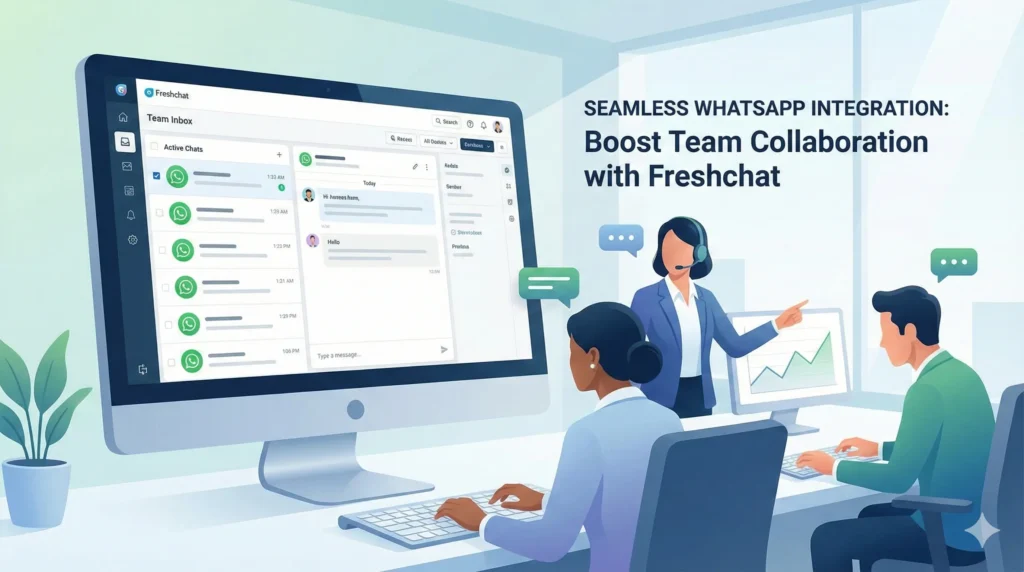
From my experience working with small businesses and startups, WhatsApp support fails when:
- Too many messages arrive at once
- Multiple agents reply inconsistently
- Customers wait hours for a response
Freshchat solves these problems.
Key reasons people use Freshchat WhatsApp:
- Central inbox for WhatsApp chats
- Multiple agents can reply at once
- Chat assignment and tracking
- Automation using Freshchat AI
- Faster first response time
For beginners, the biggest advantage is control. You don’t lose messages. You don’t forget customers.
How Freshchat WhatsApp Works
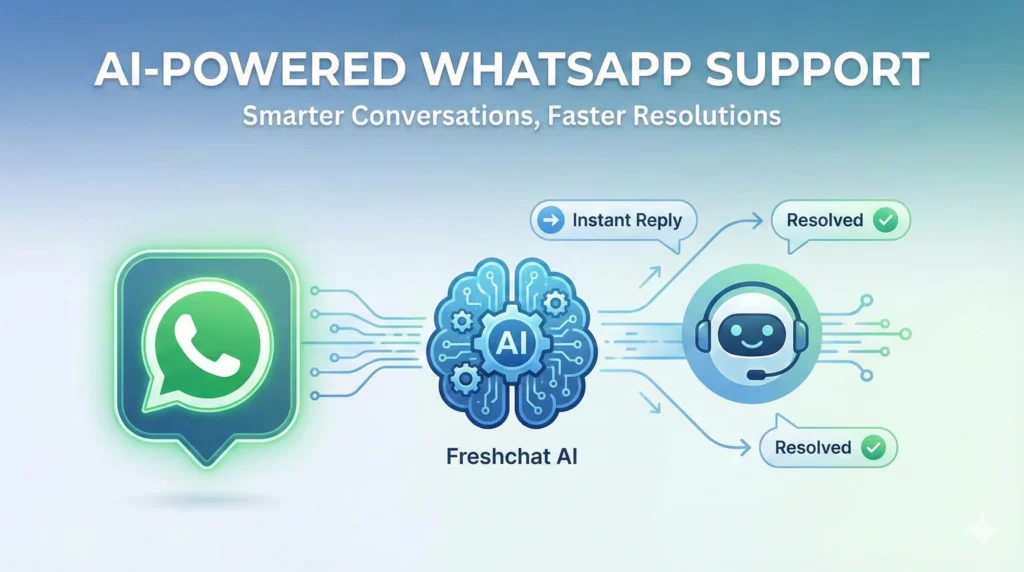
Before setup, it helps to understand the flow.
- A customer sends a WhatsApp message to your business number
- WhatsApp routes the message through the WhatsApp Business API
- Freshchat receives the message
- Your team replies from the Freshchat dashboard
- The customer sees your reply on WhatsApp
Everything happens in the background. You only work inside wchat freshchat.
How to Use Freshchat WhatsApp: Step-by-Step
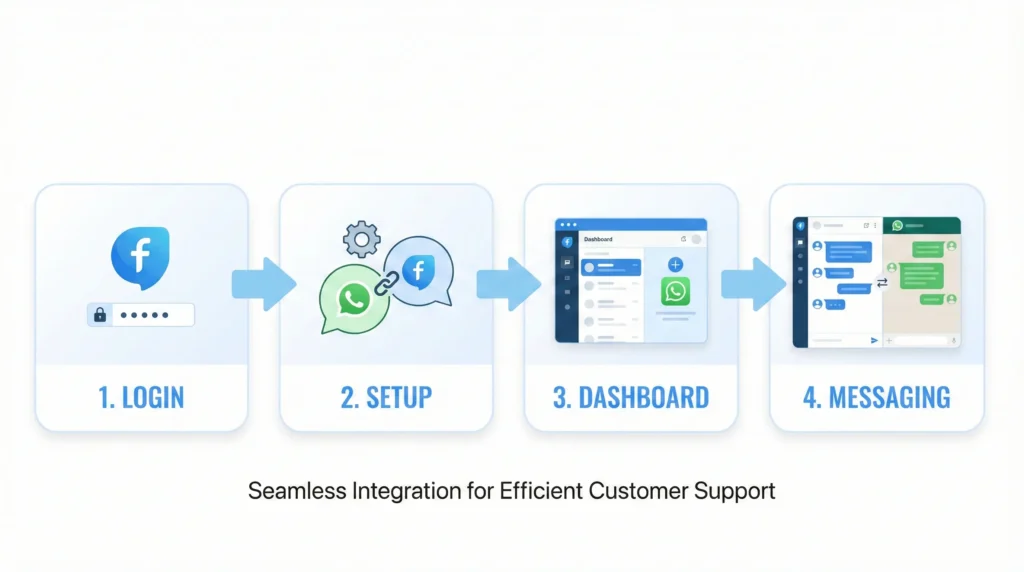
Let’s get practical.
Step 1: Freshchat WhatsApp Sign Up
First, you need a Freshchat account.
How to sign up:
- Visit Freshchat by Freshworks
- Create a Freshworks account
- Choose Freshchat as your product
This completes your Freshchat WhatsApp sign up process.
You don’t need a credit card immediately if you’re starting with a trial.
Step 2: Freshchat WhatsApp Login
Once your account is created:
- Go to the Freshchat dashboard
- Use your email and password
- This is your Freshchat login
From here, all settings and chats are managed.
Step 3: Connect WhatsApp to Freshchat
This is the most important step.
Freshchat does not use the normal WhatsApp app. It uses the WhatsApp Business API, which is required for businesses.
What you’ll need:
- A Facebook Business Manager account
- A phone number not already used on WhatsApp
- Business verification (basic details)
Freshworks guides you through this process inside the dashboard. For beginners, expect this step to take some time, especially approval.
Once connected, WhatsApp appears as a channel inside Freshchat.
Step 4: Install and Use the Freshchat WhatsApp App
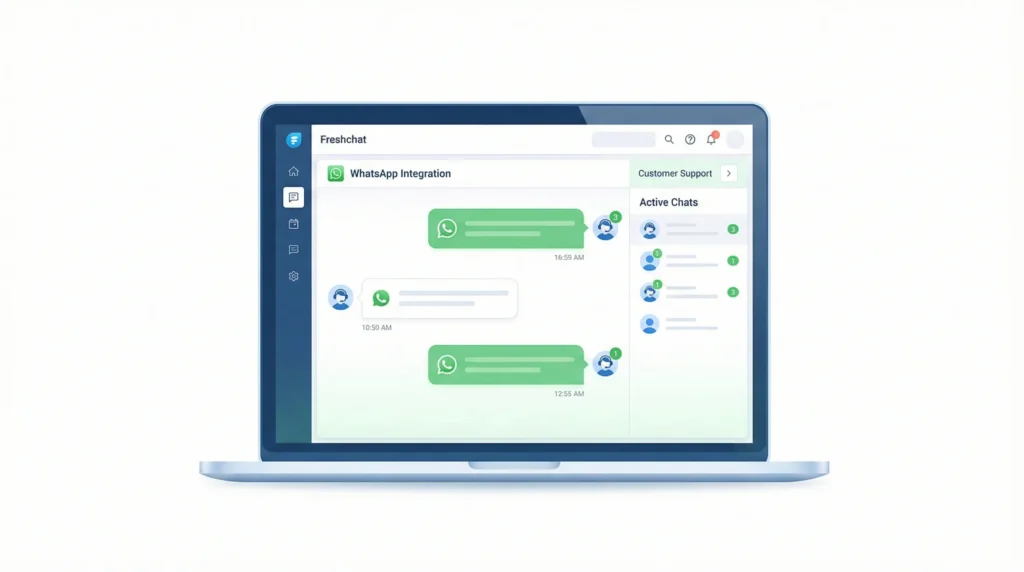
You don’t need a separate mobile app to reply to WhatsApp messages.
The Freshchat WhatsApp app refers to:
- The Freshchat web dashboard
- Freshchat mobile app for agents
From here, you can:
- View WhatsApp messages
- Reply in real time
- Assign chats to agents
Everything stays synced.
Understanding Freshchat AI for WhatsApp
One of Freshchat’s biggest strengths is Freshchat AI.
This isn’t marketing fluff. Used correctly, it actually saves time.
What Freshchat AI can do:
- Automatically greet customers
- Answer common questions
- Route chats to the right agent
- Suggest replies to agents
For beginners, start simple. Use AI only for:
- Greetings
- Office hours messages
- Basic FAQs
You can always add more automation later.
How Teams Use Freshchat WhatsApp in Real Life
Here’s a real-world example.
A small ecommerce store receives 200 WhatsApp messages per day:
- Order status
- Delivery delays
- Refund questions
Before Freshchat:
- Messages were missed
- Replies were slow
- Customers got frustrated
After using Freshchat WhatsApp:
- Messages are assigned automatically
- AI answers tracking questions
- Agents focus on complex issues
Response time drops. Customer satisfaction improves.
Freshchat WhatsApp Pricing Explained
One of the most searched questions is Freshchat WhatsApp pricing.
Here’s the honest breakdown.
Freshchat pricing has two parts:
- Freshchat plan (Free or paid)
- WhatsApp conversation charges (set by Meta)
Freshchat app itself offers multiple plans based on:
- Number of agents
- AI features
- Automation needs
WhatsApp charges per conversation (not per message). These costs are standard across providers.
My advice for beginners:
- Start with the lowest Freshchat plan
- Track usage for 1 month
- Upgrade only if needed
Freshchat WhatsApp vs Normal WhatsApp Business App
Many beginners ask this.
WhatsApp Business App:
- Single device usage
- Manual replies
- Limited automation
Freshchat WhatsApp:
- Multi-agent support
- Central inbox
- AI and automation
- Analytics and reports
If you’re serious about customer support, Freshchat is the better long-term option.
Common Mistakes
Avoid these early mistakes:
- Connecting a personal WhatsApp number
- Overloading automation from day one
- Ignoring WhatsApp conversation costs
- Not training agents on tone
Fixing these early saves money and frustration.
FAQs: Freshchat WhatsApp
1. Is Freshchat WhatsApp free?
Freshchat offers free and paid plans, but WhatsApp conversation charges apply separately.
2. Can I use my existing WhatsApp number?
Only if it’s not already active on WhatsApp. Most businesses need a new number.
3. Is Freshchat App suitable for beginners?
Yes. The interface is beginner-friendly, especially compared to raw WhatsApp APIs.
4. Does Freshchat support WhatsApp automation?
Yes. You can use Freshchat AI for greetings, FAQs, and routing.
5. Can multiple agents reply at once?
Yes. This is one of the main benefits of using Freshchat with WhatsApp.
Conclusion:
If you’re looking for a clean, professional way to manage WhatsApp conversations, Freshchat WhatsApp is a strong choice, especially for beginners.
It removes chaos, speeds up replies, and gives you tools to grow without feeling overwhelmed.
Start simple. Learn the basics. Add automation gradually.

Sushil Kumar is a results-focused digital marketer specializing in SEO, content planning, and AI-powered workflows. His platform offers easy-to-use AI prompts for creating professional photos.