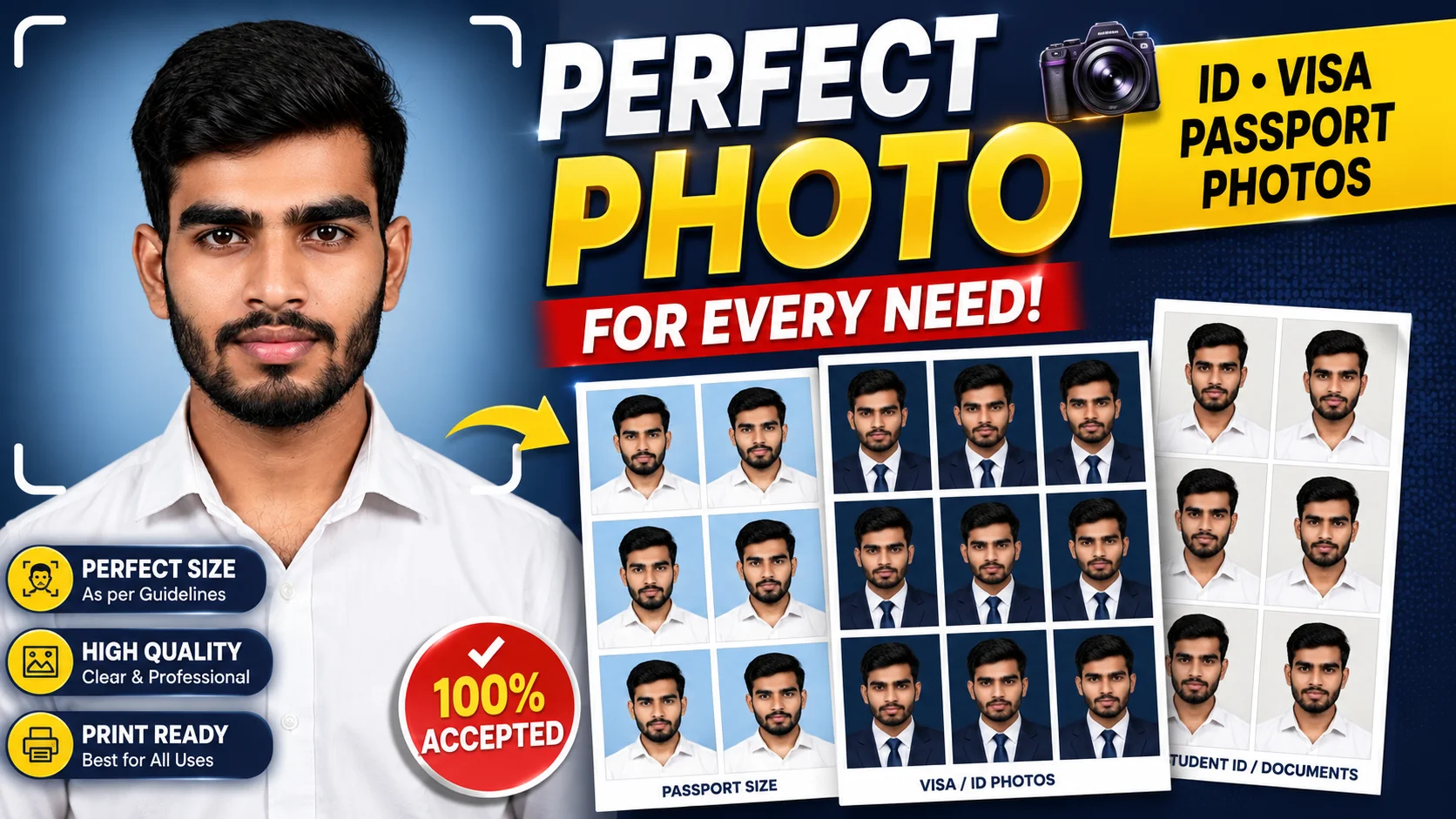
Creating a professional passport-size photo is now easier than ever with Google Gemini. The key is using the right Gemini passport size photo prompts to generate realistic, studio-quality images that closely match official passport photo requirements.
In this guide, you’ll find 5 ready-to-use passport size photo prompts for Gemini that help you create realistic passport photos, formal suit portraits, printable passport photo sheets, and professional studio-style images. Simply copy your favorite prompt, upload your reference image, and let Gemini generate a high-quality passport photo with natural lighting, sharp details, and accurate facial features.
Gemini Passport Size Photo Prompts: Create Professional ID Photos
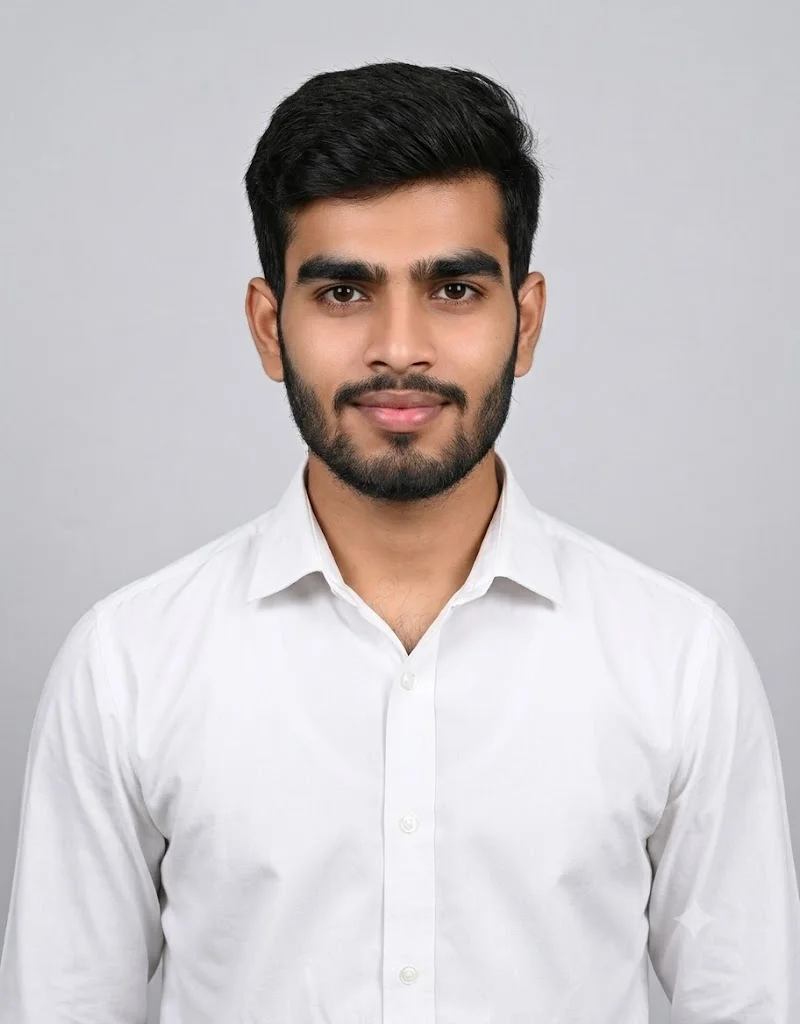
PROMPT
“Create an ultra-realistic passport-size photo from the provided reference image. Preserve the subject’s identity exactly with zero changes to facial features, skin tone, proportions, expression, or natural details. Dress the subject in a clean white modern collared shirt. Maintain a neutral closed-lip smile, straight forward gaze, upright head, level shoulders, and both ears clearly visible. Center the face with standard passport framing including the shoulders. Use soft, even studio lighting, a plain light background, sharp focus, realistic skin texture, and natural colors. No retouching, beautification, stylization, filters, distortion, or any identity modifications.”
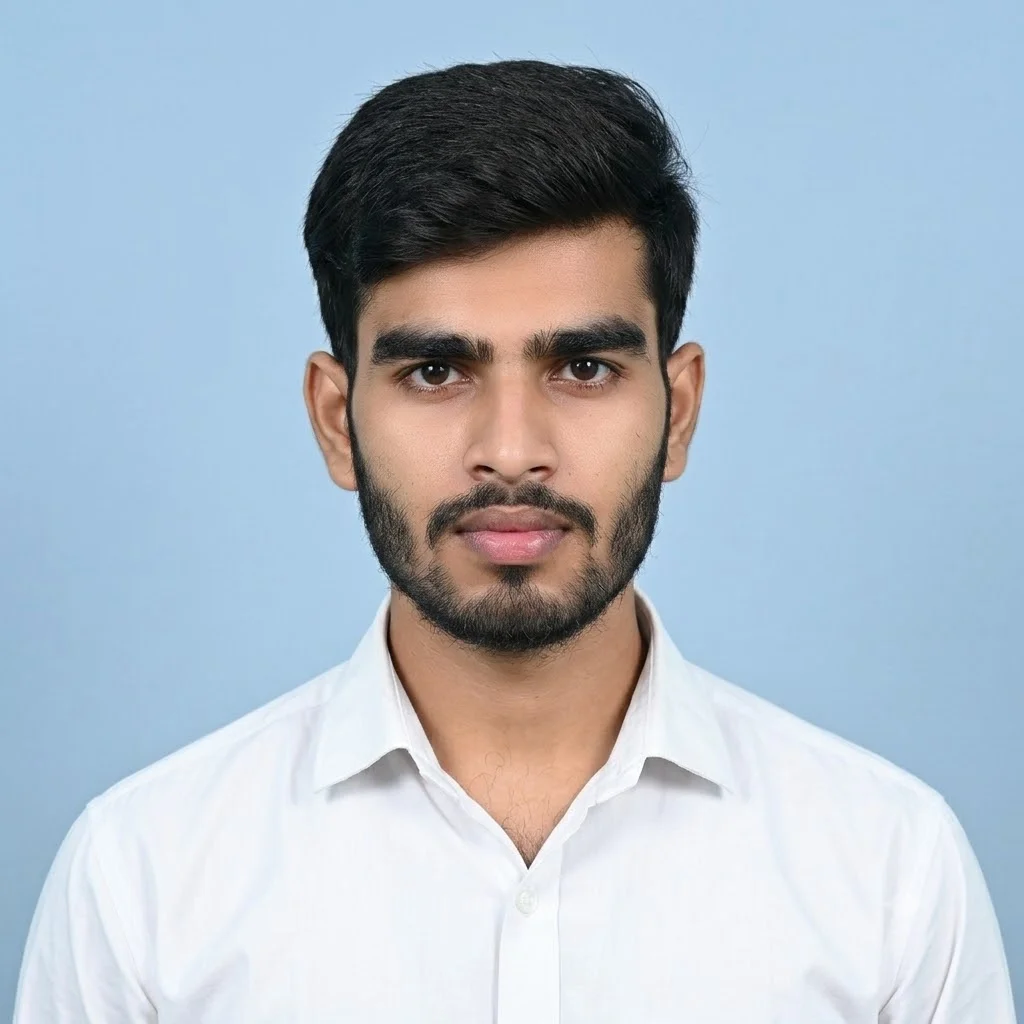
PROMPT
“Create a photorealistic 2×2-inch (51×51 mm) passport photo from the provided reference image. Preserve the subject’s identity exactly with 100% facial accuracy, making no changes to facial features, skin tone, proportions, expression, or any natural details. Dress the subject only in a clean white collared shirt, with no blazer, tie, or accessories. Use a plain official blue background. Keep the head perfectly upright with a straight neck, level shoulders, a forward-facing gaze, both ears fully visible, and the face centered according to passport photo standards. Apply soft, even studio lighting, sharp focus, realistic skin texture, and natural colors. The final image must look like a professionally captured passport photograph, with no retouching, beautification, stylization, filters, distortion, or artistic effects.”
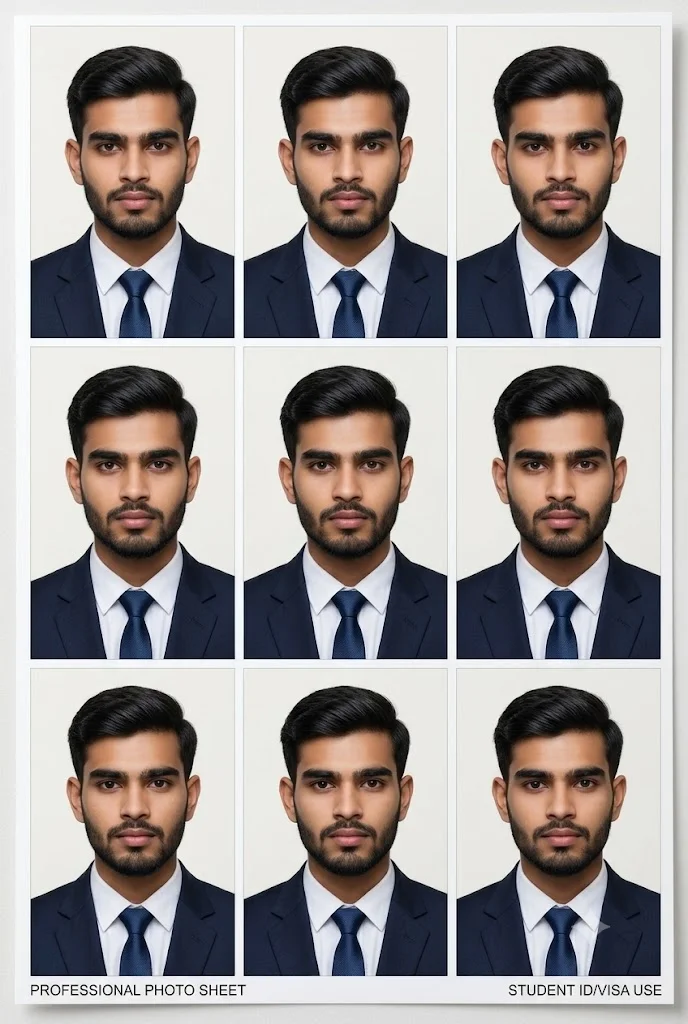
PROMPT
“Transform the provided image into an ultra-realistic professional passport-size photo sheet. Use only the male subject from the reference image and keep his facial features exactly the same with 100% accuracy. Do not change face shape, skin tone, or expression. Apply a neat, simple student-style hairstyle that looks natural and formal, suitable for official ID photos. Dress the subject in a formal coat suit. Use a clean plain background with soft even studio lighting and sharp focus. Generate six identical passport-size photos arranged in a grid layout with thin white partition lines between each image. Keep the head straight, neck upright, shoulders level, eyes balanced, and both ears clearly visible. Ensure all photos look natural, consistent, and ready for official use.”
PROMPT
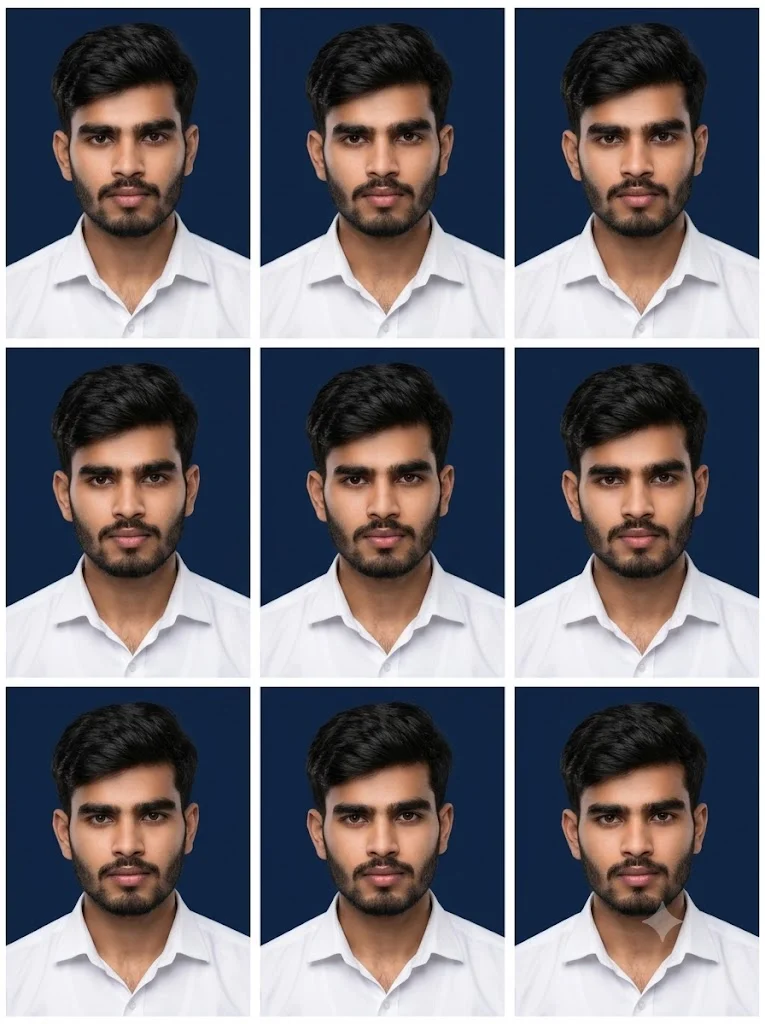
“Create an ultra-realistic professional studio portrait of the provided male subject, preserving his identity exactly with no changes to facial features, skin tone, proportions, mustache, or natural details. Dress him in a crisp white collared shirt. Use a deep navy blue background, soft professional studio lighting, realistic skin texture, and true-to-life colors. Maintain a straight head, upright posture, level shoulders, a confident forward-facing gaze, and sharp facial detail. Capture the portrait with an 85mm lens, shallow depth of field, and ultra-high-resolution 8K quality. Generate nine identical passport-style photos arranged in a clean 3×3 printable grid (three rows × three columns) with equal spacing, thin white margins, and precise alignment. Each image should have a 4:5 aspect ratio, sharp focus, and a print-ready layout suitable for official ID or passport photo printing. No beautification, retouching, stylization, filters, distortion, or identity modifications.
“
PROMPT
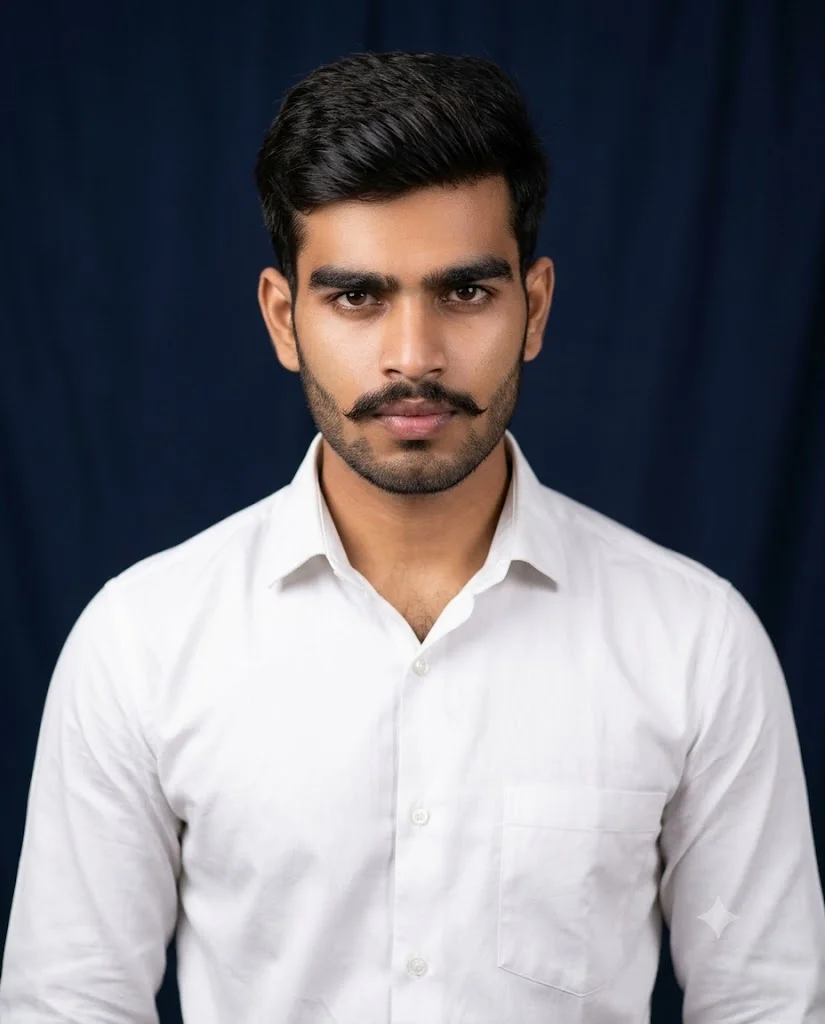
“Ultra-realistic portrait of a man wearing a crisp white shirt and a neatly groomed mustache, set against a deep navy backdrop. He looks directly at the camera with an intense, confident expression. Professional studio lighting highlights facial details and natural skin texture. Captured with an 85mm lens, shallow depth of field, high clarity, 4:5 aspect ratio, ultra-high-resolution 8K quality.”
Using the right Gemini passport size photo prompts can significantly improve the quality and realism of your AI-generated passport photos. Whether you need a standard passport photo, a professional suit portrait, or a printable passport photo sheet, the prompts shared in this guide are designed to help you achieve consistent, high-quality results with minimal effort.
Remember, the more specific your prompt is, the better Gemini can understand your requirements. Including details such as clothing, background color, lighting, facial expression, framing, and photo dimensions will help generate images that look more natural and professional.
We hope these passport size photo prompts for Gemini save you time and help you create stunning passport-style photos with ease. If you found this guide helpful, bookmark it for future use and share it with others who want to create realistic AI passport photos using Google Gemini.
Sushil Kumar is a results-focused digital marketer specializing in SEO, content planning, and AI-powered workflows. His platform offers easy-to-use AI prompts for creating professional photos.