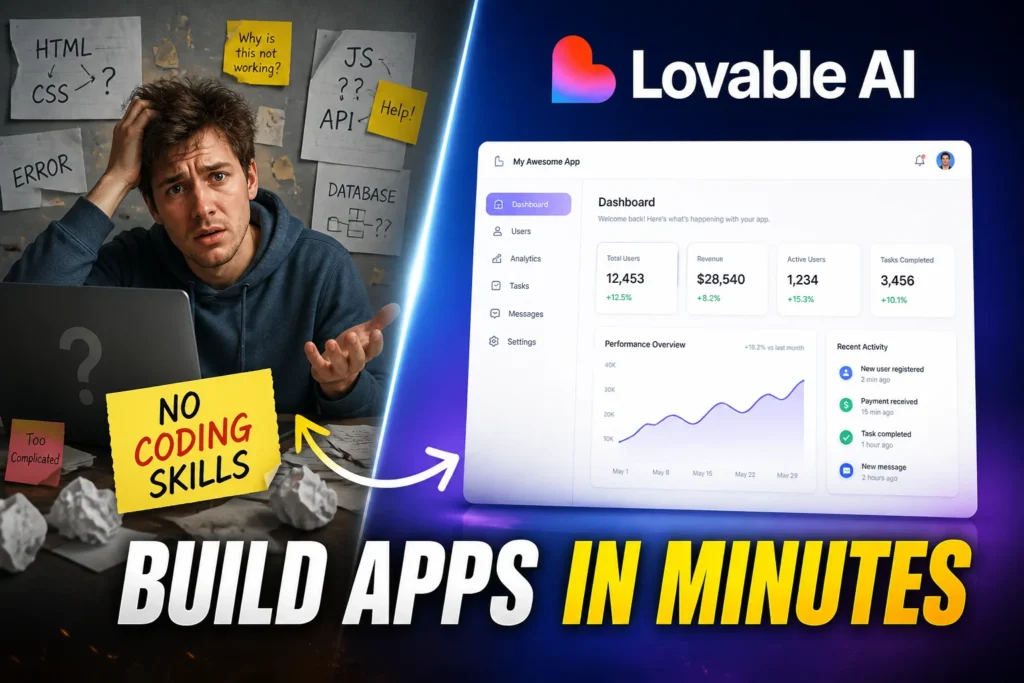
Building apps used to be complicated, expensive, and time-consuming. You needed developers, designers, and weeks (or months) of work just to launch a basic product.
That’s where Lovable AI changes the game.
Instead of writing code, you simply describe what you want. The tool turns your idea into a working app or website almost instantly. For founders, freelancers, and non-technical creators, this removes one of the biggest barriers to building software.

In this lovable ai tool review, we’ll break down exactly how it works, what it does well, and where it still falls short.
Quick Overview
| Tool Name | Lovable AI |
| Category | AI App Builder / No-Code Platform |
| Pricing | Freemium + Paid Plans |
| Best For | Entrepreneurs, startups, non-coders, rapid prototyping |
What is Lovable AI?
Lovable AI is a full-stack AI development platform that lets you build apps, websites, and digital products using simple text prompts.
Instead of dragging and dropping elements like traditional no-code tools, you just describe your idea:
“Build a CRM with contacts, deals, and analytics.”
Lovable then generates real, editable code and a working application.
It’s essentially a text-to-app builder powered by AI.
Key Features
1. Text-to-App Generation
You type what you want. Lovable builds it.
Example:
- Prompt: “Create a task manager with login and deadlines”
- Output: A working web app with authentication and dashboard
This is the core feature that makes Lovable stand out.
2. Real Code Output (Not Just Visual Blocks)
Unlike many no-code tools, Lovable generates production-ready code.
That means:
- Developers can edit it
- You can scale the product
- You’re not locked into a platform
3. Built-in AI Features
Adding AI to apps is usually complex. Lovable simplifies it.
You can easily include:
- Chatbots
- Document Q&A
- Translation
- Summaries
Example:
Create a customer support chatbot inside your app in minutes.
4. No-Code + Full-Stack Power
Lovable handles:
- Frontend (UI design)
- Backend (logic, database)
- Deployment
All from a single prompt.
5. AI Debugging Assistance
If something breaks, Lovable helps fix it.
It analyzes errors and suggests solutions automatically, speeding up development.
6. Rapid Prototyping
You can build and test ideas in minutes instead of weeks.
This is especially useful for:
- MVPs
- Startup validation
- Side projects
How to Use Lovable AI (Step-by-Step Guide)
Follow these simple steps to create your account and get started with Lovable AI:
Step 1: Go to the official website: https://lovable.dev/
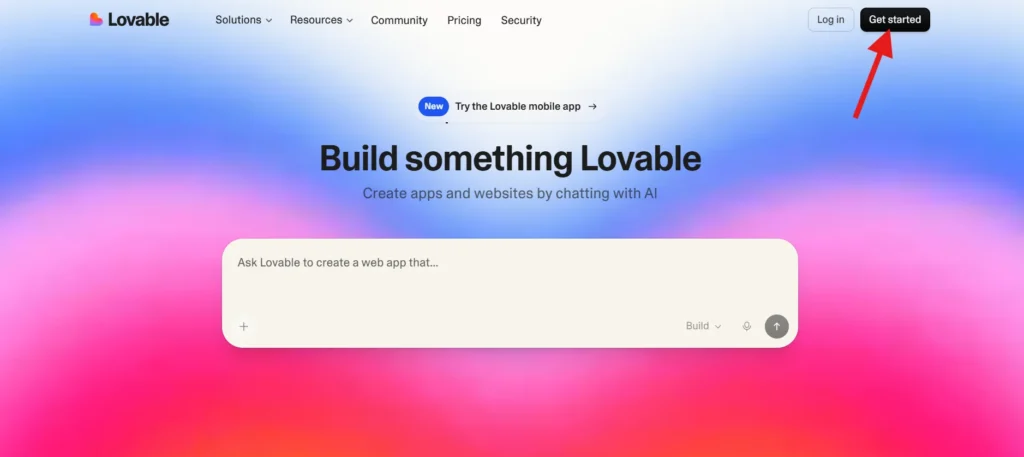
Step 2: On the homepage, click the “Get Started” button to begin the signup process.
Step 3: Select the option to sign up using your email address.
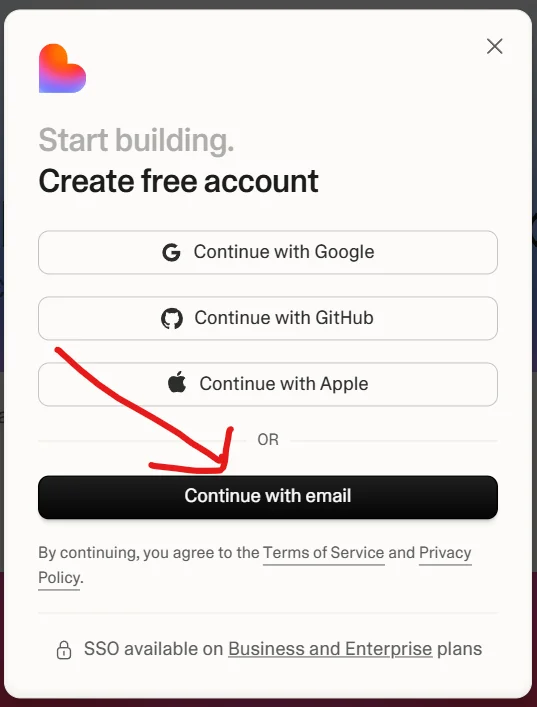
Step 4: Type in your Gmail (or any email address) and click Continue.
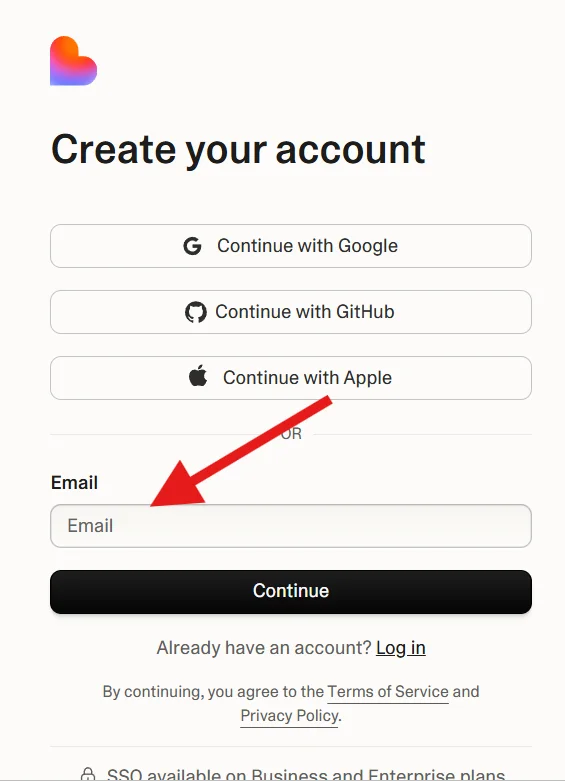
Step 5: Enter a secure password and click on “Create Your Account.”
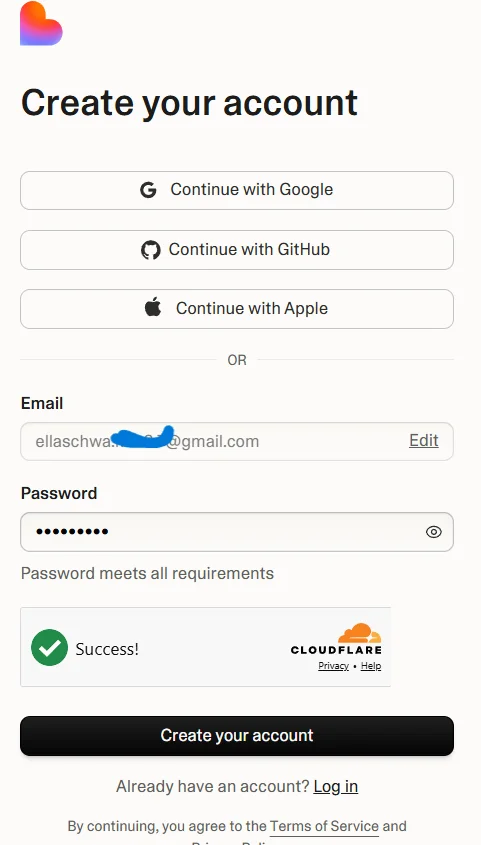
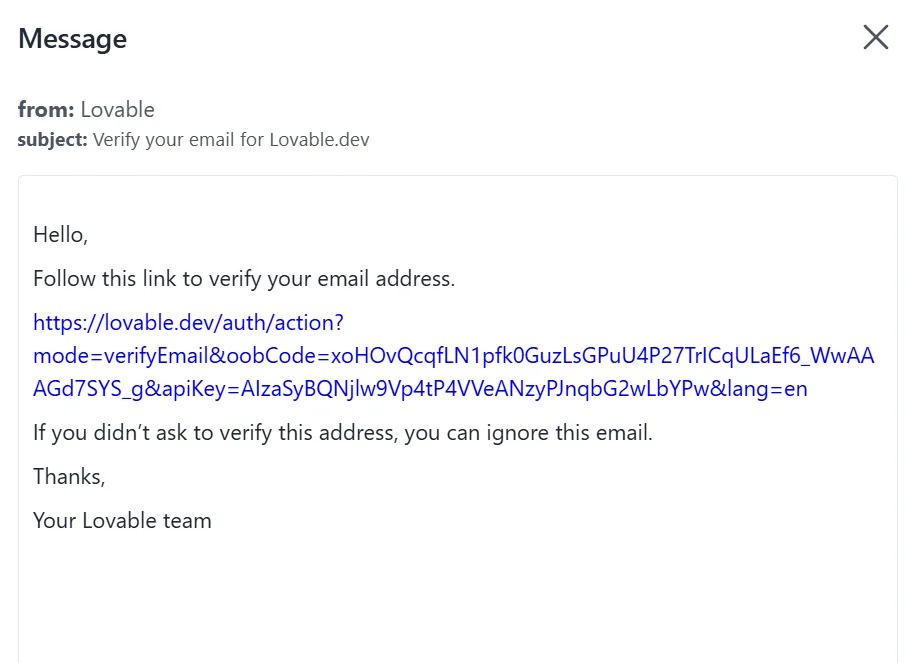
Step 6: Check your inbox. You will receive a verification email from Lovable AI.
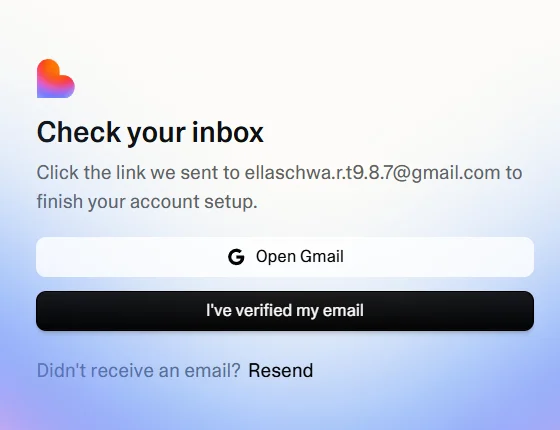
Open the email and click the verification link to confirm your account.
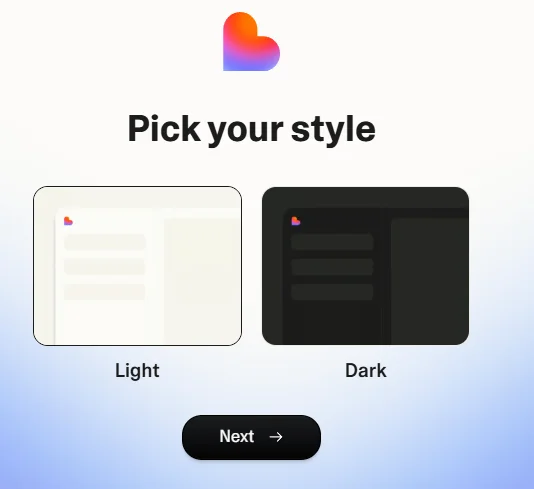
Step 7: After verification, you’ll be asked to select your preferred style. Choose the one that fits your needs.
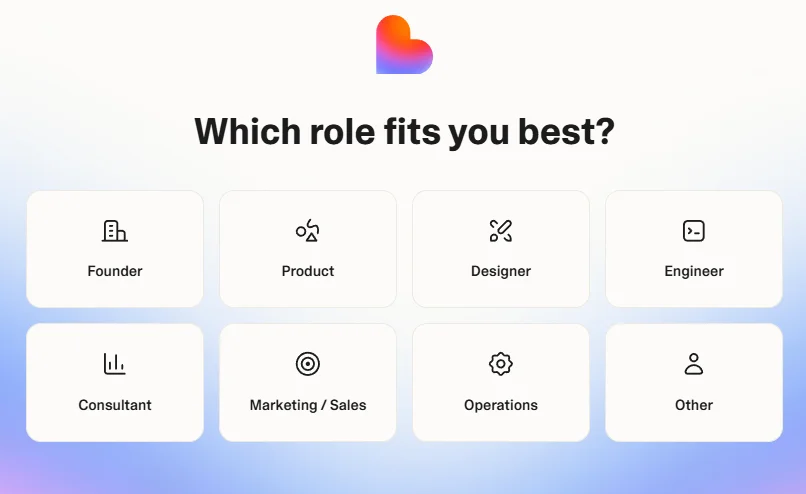
Step 8: Pick your role (for example: developer, founder, designer, etc.) so the platform can personalize your experience.
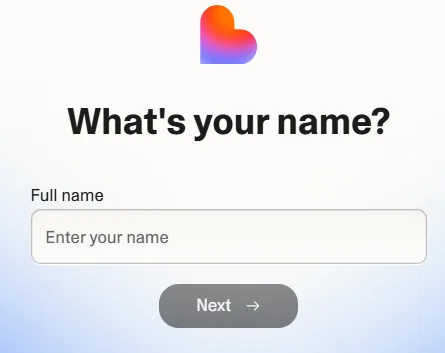
Step 9: Enter your name to complete your profile.
Step 10: That’s it! Your account is now ready, and you can start building apps using Lovable AI.
Pros and Cons
Pros
- Extremely beginner-friendly
- No coding required
- Generates real, usable code
- Fast app development
- Built-in AI features
- Great for MVPs
Cons
- Limited control for advanced developers
- Complex apps may need manual tweaking
- Still evolving (bugs and edge cases exist)
- Security concerns have been reported in the past
For example, there have been incidents involving misuse and data exposure, though fixes were implemented quickly.
Pricing
Lovable typically follows a freemium model:
Free Plan
- Limited builds
- Basic features
- Good for testing
Paid Plans (Estimated Structure)
- More app generations
- Advanced features
- Priority performance
Exact pricing may vary, but most users start free and upgrade as needed.
Real Example Output
Prompt:
“Create a simple CRM with contacts and notes”
Output:
- Login system
- Dashboard
- Contact management
- Notes section
- Basic UI
All generated automatically.
This shows how quickly you can go from idea to working product.
Best Alternatives
Here are some strong alternatives to consider:
1. Bubble
- Visual no-code builder
- More control over UI
- Slower than Lovable
2. Glide
- Great for mobile apps
- Spreadsheet-based backend
- Less flexible for complex apps
3. Adalo
- Beginner-friendly
- Drag-and-drop interface
- Limited scalability
4. Webflow
- Best for websites
- Strong design control
- Not focused on app logic
5. Replit AI
- Code-first approach
- Better for developers
- Less beginner-friendly
Who Should Use It
Lovable AI is ideal for:
- Entrepreneurs building MVPs
- Non-technical founders
- Freelancers
- Indie hackers
- Startup teams testing ideas
If you want to build fast without coding, this tool is a strong option.
Who Should NOT Use It
You might want to skip Lovable if:
- You need full control over architecture
- You’re building highly complex systems
- You prefer manual coding
- You need enterprise-grade customization
FAQs
Is Lovable AI free?
Yes, it offers a free plan with limited features.
Do I need coding skills?
No. You can build apps using simple text prompts.
Can I export the code?
Yes. Lovable generates real, editable code.
Is Lovable AI safe to use?
Generally yes, but like any platform, it has had some security issues that were later fixed.
Is it better than no-code tools?
It depends. Lovable is faster, but traditional tools offer more control.
Final Verdict
Lovable AI is one of the most exciting tools in the no-code space right now.
It lowers the barrier to building software in a way that feels almost unreal. You can go from idea to working product in minutes.
However, it’s not perfect. Advanced projects still require technical knowledge, and the platform is still evolving.
Overall, in this lovable ai tool review, it’s clear that Lovable is best seen as a powerful starting point, not a complete replacement for developers.

Sushil Kumar is a results-focused digital marketer specializing in SEO, content planning, and AI-powered workflows. His platform offers easy-to-use AI prompts for creating professional photos.