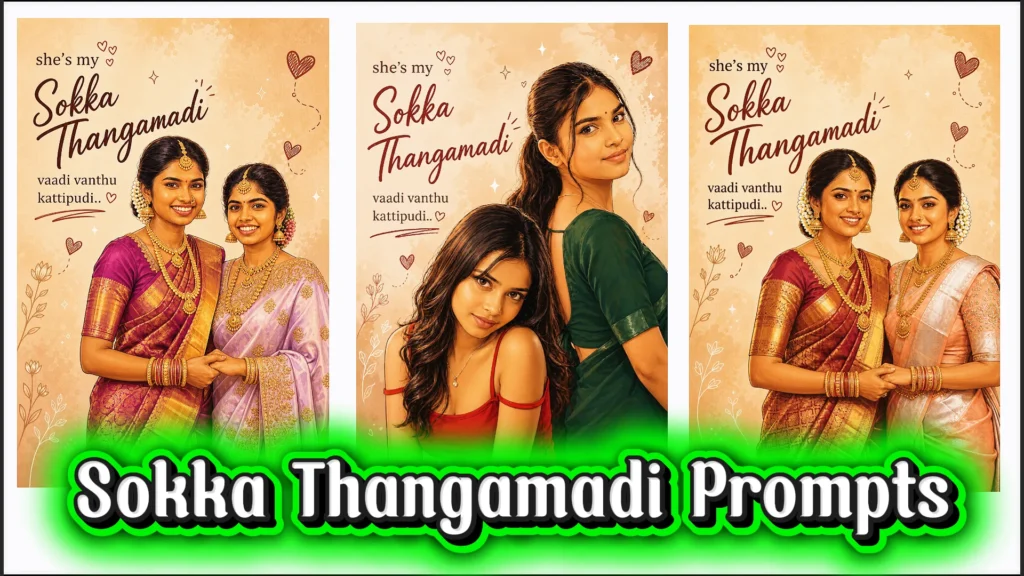
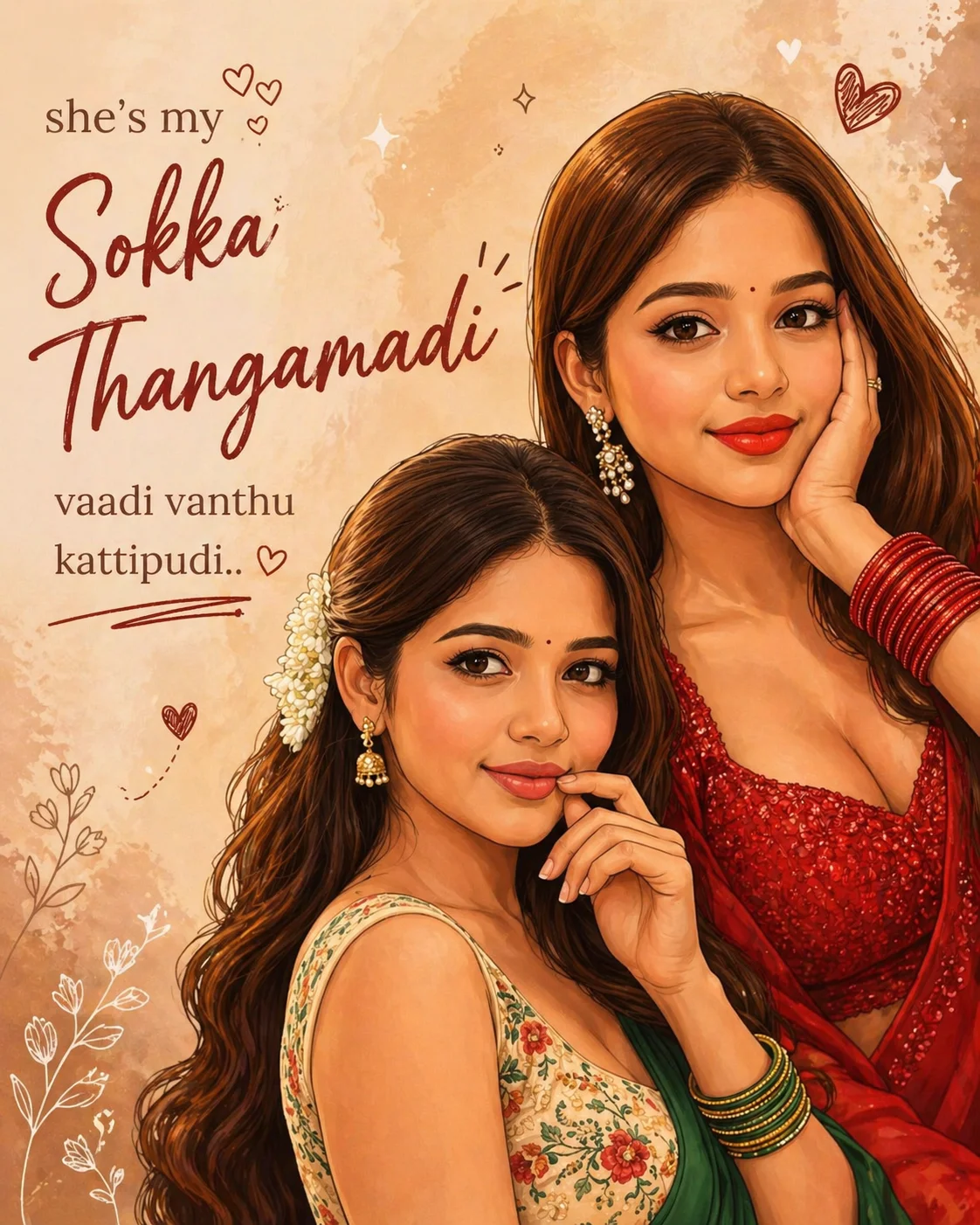
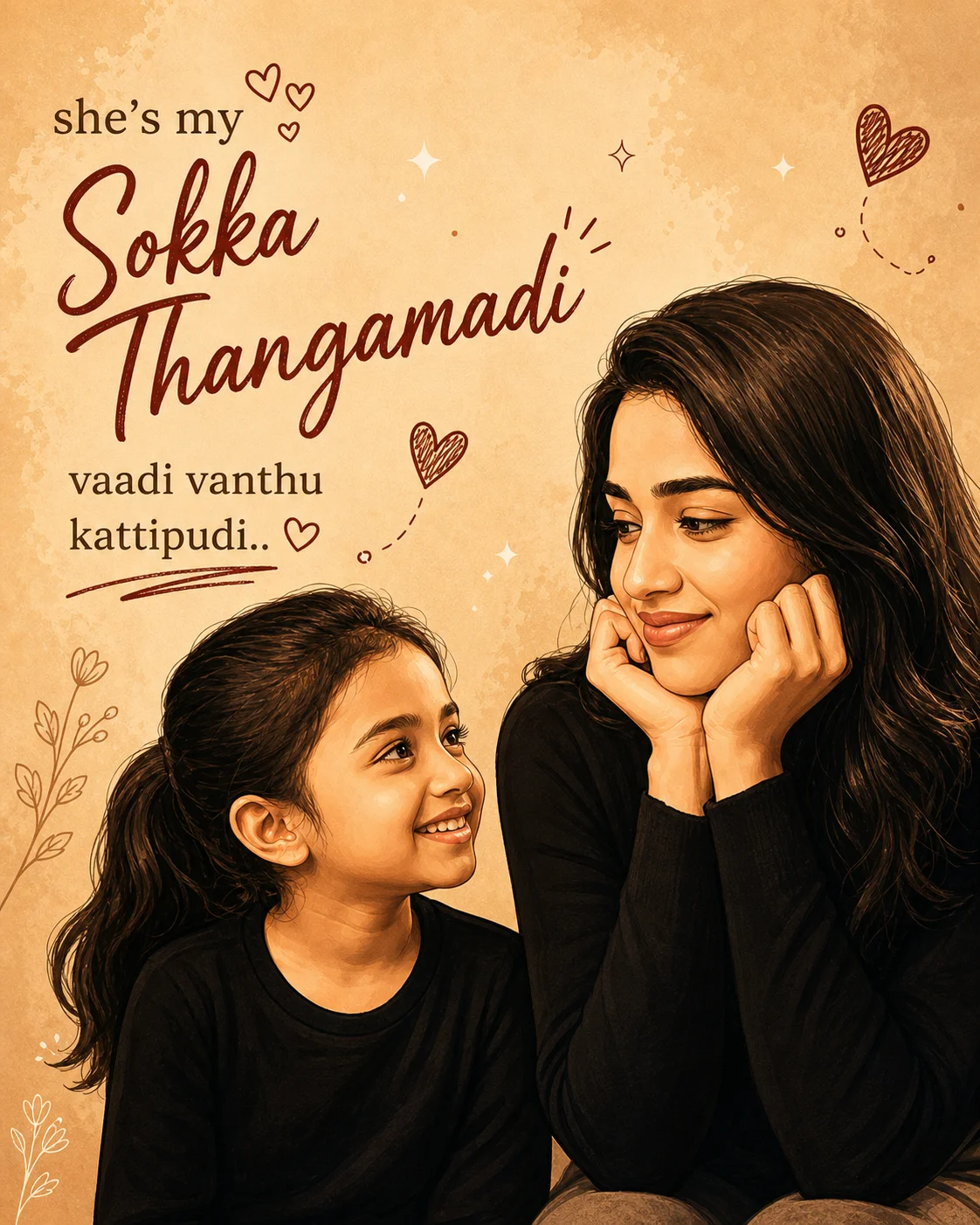
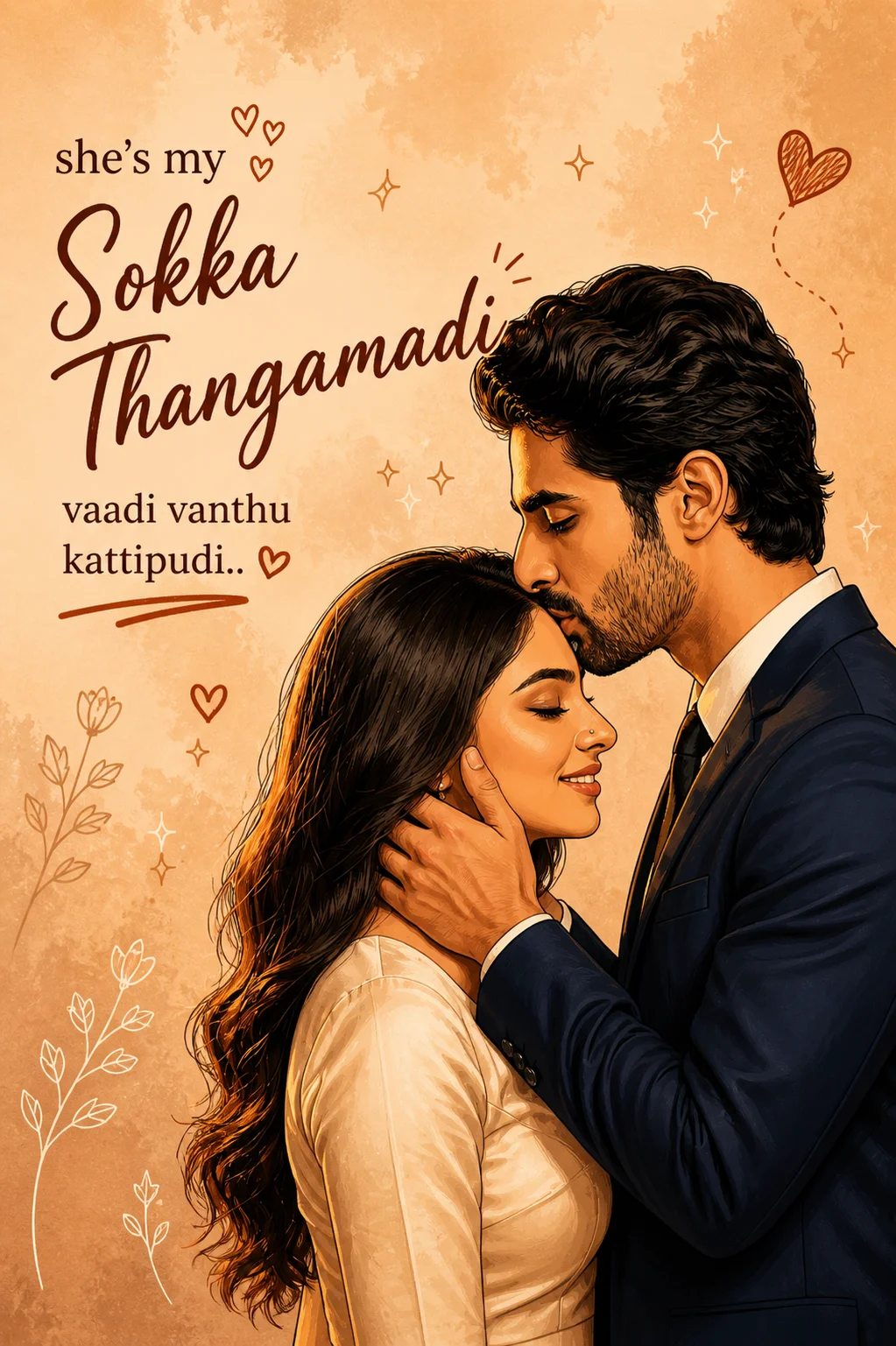
If you’ve been seeing those soft, aesthetic “Sokka Thangamadi” edits all over Instagram, you’re not alone. This trend has quickly taken over because of how beautifully it transforms simple photos into warm, emotional digital illustrations. The best part? You don’t need any editing skills to create one yourself.
In this article, I’m sharing ready-to-use Sokka Thangamadi prompts that you can simply copy and paste into AI tools like ChatGPT or Gemini. These prompts are designed to turn your regular photo especially mirror selfies with friends into cozy, Instagram-style posters with soft colors, cute doodles, and meaningful text.
Whether you want to create something special for your best friend or just try a trending AI photo style, these prompts make the process effortless. Just upload your photo, paste the prompt, and let the AI do the magic.
Copy Paste Sokka Thangamadi Prompt for Stunning AI Photo Edits
Try this powerful trending ai photo prompt to convert your photos into beautiful illustrated posters. Includes a complete sokka thangamadi photo prompt you can copy and use right away.
1. Turn Your Mirror Selfie into a Soft Aesthetic Poster
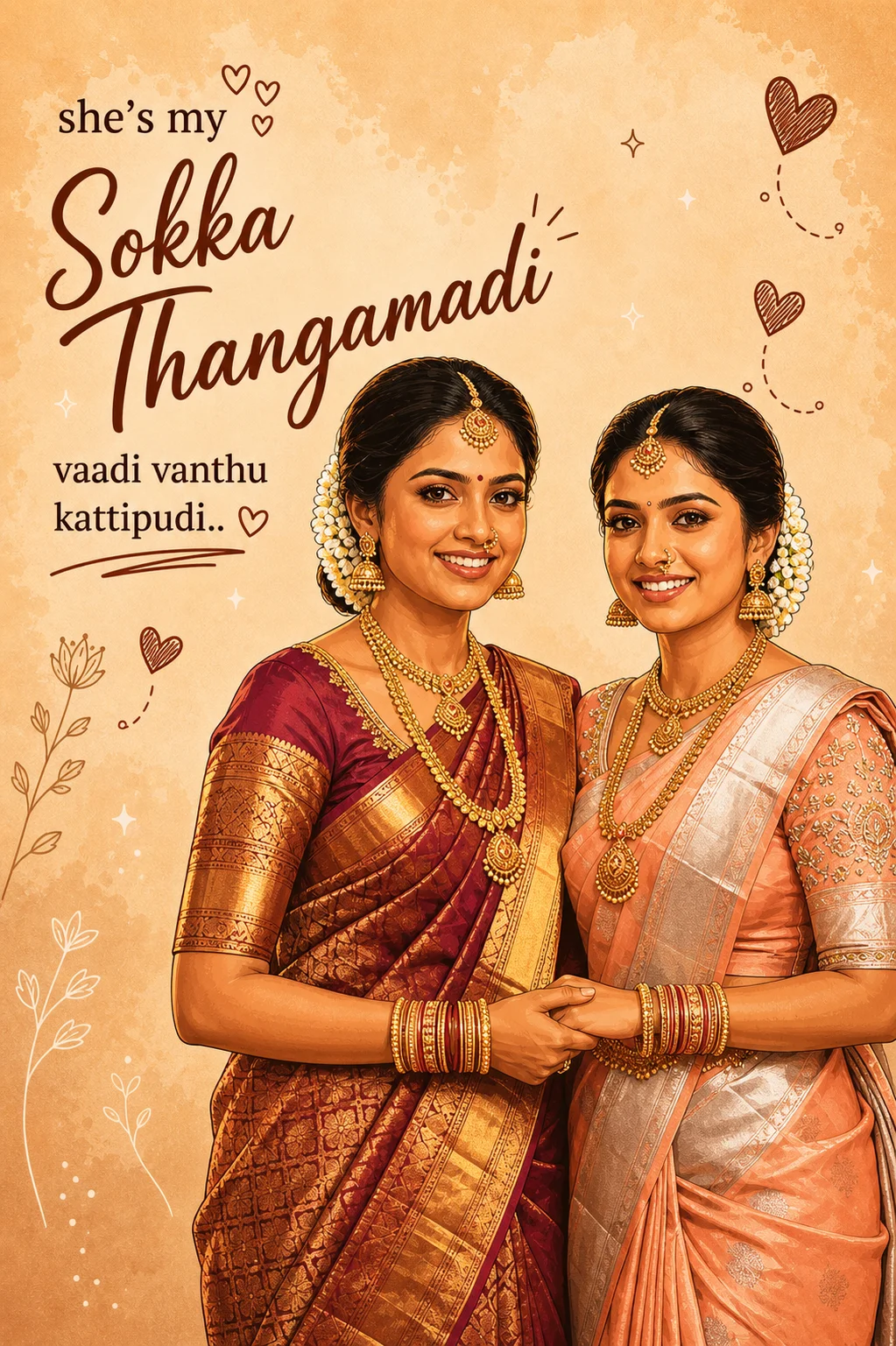
This sokka thangamadi promptt helps you convert a simple mirror selfie into a warm, illustrated poster without changing your original pose or expression. It adds soft tones, minimal backgrounds, and cute doodles, making it ideal for anyone trying an instagram trending ai photo prompt for the first time. Just copy, paste, and generate your edit easily.
PROMPT
“Transform the uploaded photo of two girls taking a mirror selfie into a warm, aesthetic digital illustration poster. Keep their original pose, expressions, hairstyle, and outfits unchanged. Apply a soft, smooth cartoon/ illustration style with clean outlines and subtle shading. Use a warm beige / pastel brown background with a minimal, cozy vibe. Add cute hand-drawn elements like small hearts, sparkles, and doodles around them. Place stylish typography on the left/ top side with a mix of cursive and bold fonts. The text should read: she’s my ”Sokka Thangamadi’ vaadi vanthu kattipudi.. Make “Sokka Thangamadi” bigger in a handwritten cursive style, and keep the rest in a simple elegant font. Maintain a romantic, best- friend comfort vibe. Ensure the composition is balanced with enough empty space for the text. High quality, Instagram poster style.”
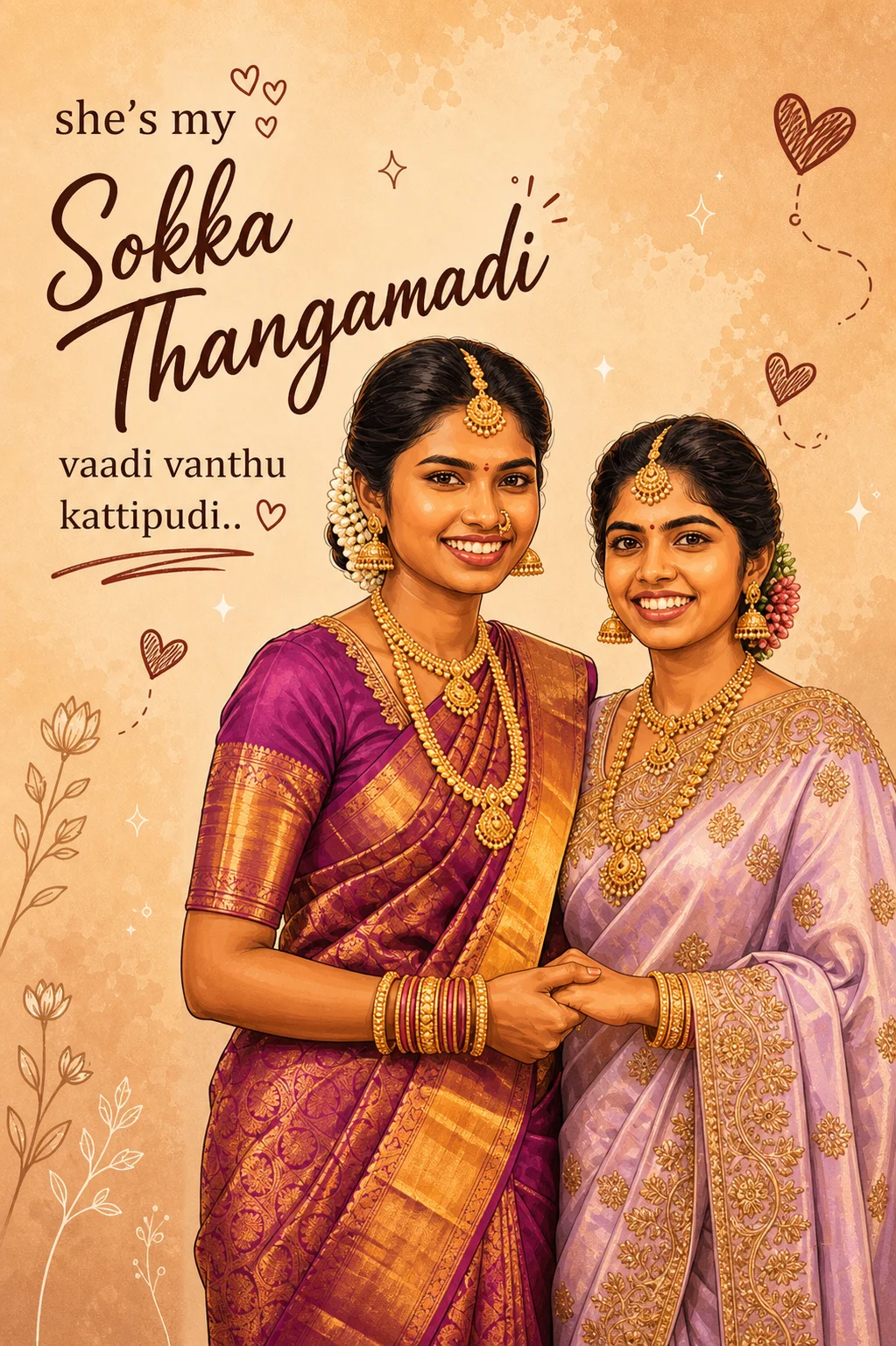
If you want something clean yet expressive, this version of the chatgpt sokka thangamadi prompt focuses on balanced design and typography. It keeps the illustration smooth while highlighting emotional text. This works perfectly as a chatgpt prompt for photo editing for beginners who want aesthetic results without overcomplicating things.
PROMPT
“Transform the uploaded photo of two girls taking a mirror selfie into a warm, aesthetic digital illustration poster. Keep their original pose, expressions, hairstyle, and outfits unchanged. Apply a soft, smooth cartoon/ illustration style with clean outlines and subtle shading. Use a warm beige / pastel brown background with a minimal, cozy vibe. Add cute hand-drawn elements like small hearts, sparkles, and doodles around them. Place stylish typography on the left/ top side with a mix of cursive and bold fonts. The text should read: she’s my ”Sokka Thangamadi’ vaadi vanthu kattipudi.. Make “Sokka Thangamadi” bigger in a handwritten cursive style, and keep the rest in a simple elegant font. Maintain a romantic, best- friend comfort vibe. Ensure the composition is balanced with enough empty space for the text. High quality, Instagram poster style.”
3. Generate a Smooth Cartoon-Style Illustration Instantly
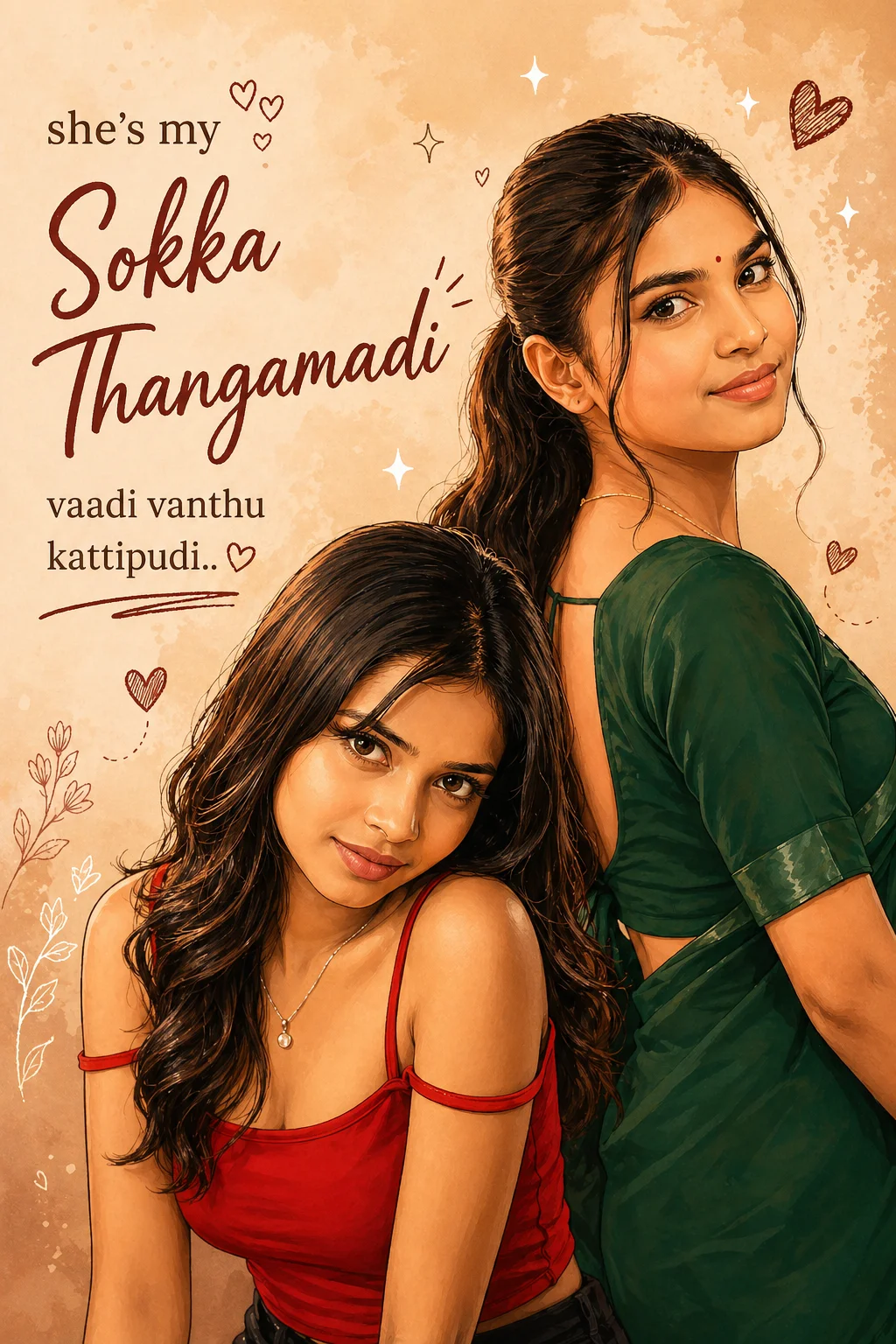
This option is great if you’re looking for a quick sokka thangamadi prompt copy paste solution. It transforms your photo into a soft cartoon illustration with clean outlines and subtle shading. You don’t need any editing experience—just upload your image and use this trending ai photo prompt to get a polished result.
PROMPT
“Transform the uploaded photo of two girls taking a mirror selfie into a warm, aesthetic digital illustration poster. Keep their original pose, expressions, hairstyle, and outfits unchanged. Apply a soft, smooth cartoon/ illustration style with clean outlines and subtle shading. Use a warm beige / pastel brown background with a minimal, cozy vibe. Add cute hand-drawn elements like small hearts, sparkles, and doodles around them. Place stylish typography on the left/ top side with a mix of cursive and bold fonts. The text should read: she’s my ”Sokka Thangamadi’ vaadi vanthu kattipudi.. Make “Sokka Thangamadi” bigger in a handwritten cursive style, and keep the rest in a simple elegant font. Maintain a romantic, best- friend comfort vibe. Ensure the composition is balanced with enough empty space for the text. High quality, Instagram poster style.”
4. Add Warm Tones and Cozy Design Elements to Your Photo
This prompt focuses on visual mood—warm beige backgrounds, pastel shades, and hand-drawn elements. It’s a strong choice if you want your post to feel more engaging and personal. Many creators use this type of sokka thangamadi photo prompt to create Instagram-ready content that stands out naturally.
PROMPT
“Transform the uploaded photo of two girls taking a mirror selfie into a warm, aesthetic digital illustration poster. Keep their original pose, expressions, hairstyle, and outfits unchanged. Apply a soft, smooth cartoon/ illustration style with clean outlines and subtle shading. Use a warm beige / pastel brown background with a minimal, cozy vibe. Add cute hand-drawn elements like small hearts, sparkles, and doodles around them. Place stylish typography on the left/ top side with a mix of cursive and bold fonts. The text should read: she’s my ”Sokka Thangamadi’ vaadi vanthu kattipudi.. Make “Sokka Thangamadi” bigger in a handwritten cursive style, and keep the rest in a simple elegant font. Maintain a romantic, best- friend comfort vibe. Ensure the composition is balanced with enough empty space for the text. High quality, Instagram poster style.”
5. Design a Meaningful Poster with Stylish Typography
Here, the focus is on text styling and emotional expression. The combination of cursive and simple fonts makes your message feel more personal. This approach fits well within a chatgpt prompt for photo editing, especially if you want your image to tell a story rather than just look aesthetic.
PROMPT
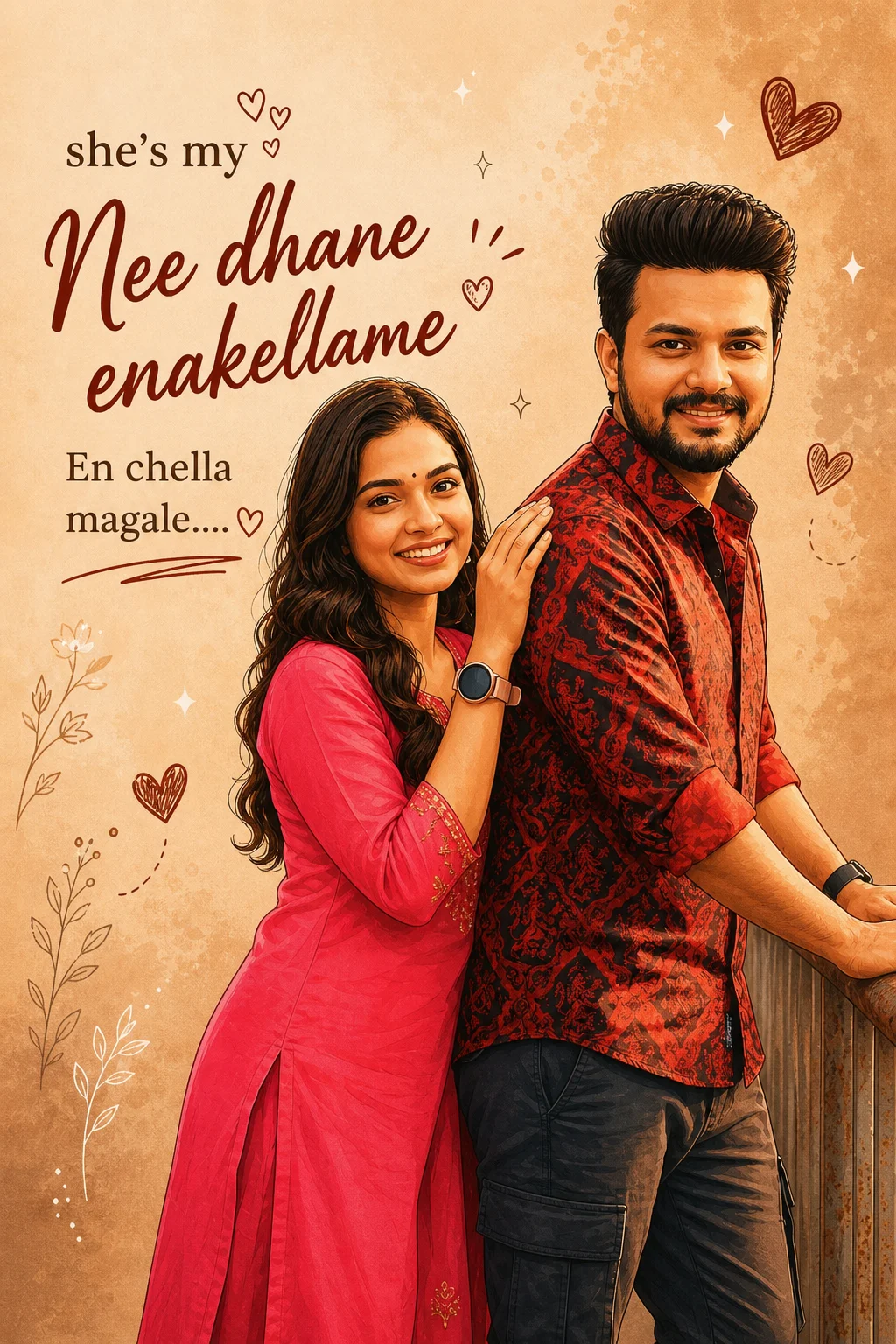
“Transform the uploaded photo of boy and girls taking a mirror selfie into a warm, aesthetic digital illustration poster. Keep their original pose, expressions, hairstyle, and outfits unchanged. Apply a soft, smooth cartoon/illustration style with clean outlines and subtle shading. Use a warm beige / pastel brown background with a minimal, cozy vibe. Add cute hand-drawn elements like small hearts, sparkles, and doodles around them. Place stylish typography on the left/top side with a mix of cursive and bold fonts. The text should read: she’s my ‘Nee dhane enakellame’ En chella magale…. Make “Nee dhane enakellame ” bigger in a handwritten cursive style, and keep the rest in a simple elegant font. Maintain a romantic, best-friend comfort vibe. Ensure the composition is balanced with enough empty space for the text. High quality, Instagram poster style.”
This prompt can also be used as a gemini photo editing prompt if you’re exploring multiple AI platforms. The output remains consistent with soft illustration effects and cozy tones. It’s a flexible way to experiment while still following the same trending style.
PROMPT
“Transform the uploaded photo of two girls taking a mirror selfie into a warm, aesthetic digital illustration poster. Keep their original pose, expressions, hairstyle, and outfits unchanged. Apply a soft, smooth cartoon/ illustration style with clean outlines and subtle shading. Use a warm beige / pastel brown background with a minimal, cozy vibe. Add cute hand-drawn elements like small hearts, sparkles, and doodles around them. Place stylish typography on the left/ top side with a mix of cursive and bold fonts. The text should read: she’s my ”Sokka Thangamadi’ vaadi vanthu kattipudi.. Make “Sokka Thangamadi” bigger in a handwritten cursive style, and keep the rest in a simple elegant font. Maintain a romantic, best- friend comfort vibe. Ensure the composition is balanced with enough empty space for the text. High quality, Instagram poster style.”
This version emphasizes emotion and connection. From the subtle sparkles to the soft color palette, everything is designed to create a comforting visual. It works well as a prompt for chatgpt photo editing when you want to highlight real moments and turn them into something memorable.
PROMPT
“Transform the uploaded photo of two girls taking a mirror selfie into a warm, aesthetic digital illustration poster. Keep their original pose, expressions, hairstyle, and outfits unchanged. Apply a soft, smooth cartoon/ illustration style with clean outlines and subtle shading. Use a warm beige / pastel brown background with a minimal, cozy vibe. Add cute hand-drawn elements like small hearts, sparkles, and doodles around them. Place stylish typography on the left/ top side with a mix of cursive and bold fonts. The text should read: she’s my ”Sokka Thangamadi’ vaadi vanthu kattipudi.. Make “Sokka Thangamadi” bigger in a handwritten cursive style, and keep the rest in a simple elegant font. Maintain a romantic, best- friend comfort vibe. Ensure the composition is balanced with enough empty space for the text. High quality, Instagram poster style.”
Even if you’re totally new, don’t worry. It’s simple.
Open an AI Tool
Choose Your Photo
Use the exact chatgpt prompt for photo editing above.
Let the AI process it.
Boom your Instagram-ready aesthetic poster is done.
Final Words
The sokka thangamadi promptt trend shows how simple AI tools can turn everyday photos into something meaningful and visually beautiful. You don’t need advanced editing skills or expensive apps. With the right chatgpt prompt for photo editing or a well-written trending ai photo prompt, you can create aesthetic, share-worthy images in just a few steps.
What makes this style stand out is the emotion behind it. It’s not just about filters or effects it’s about capturing your bond, your memories, and your personal vibe in a creative way. Whether you’re using a chatgpt sokka thangamadi prompt or trying a gemini photo editing prompt, the process is simple: copy, paste, upload, and let AI do the rest.
If you’re just getting started, try different variations, experiment with text, and make each edit your own. That’s where the real magic happens.
Now it’s your turn pick your favorite trending instagram promp, create your edit, and share it with your friends.
Sushil Kumar is a results-focused digital marketer specializing in SEO, content planning, and AI-powered workflows. His platform offers easy-to-use AI prompts for creating professional photos.